


PDF Invoice and Packing Slip plugin for WooCommerce by WebToffee helps you to display order note or customer note given by the customer at the checkout on documents very easily.
Customer/Order Note
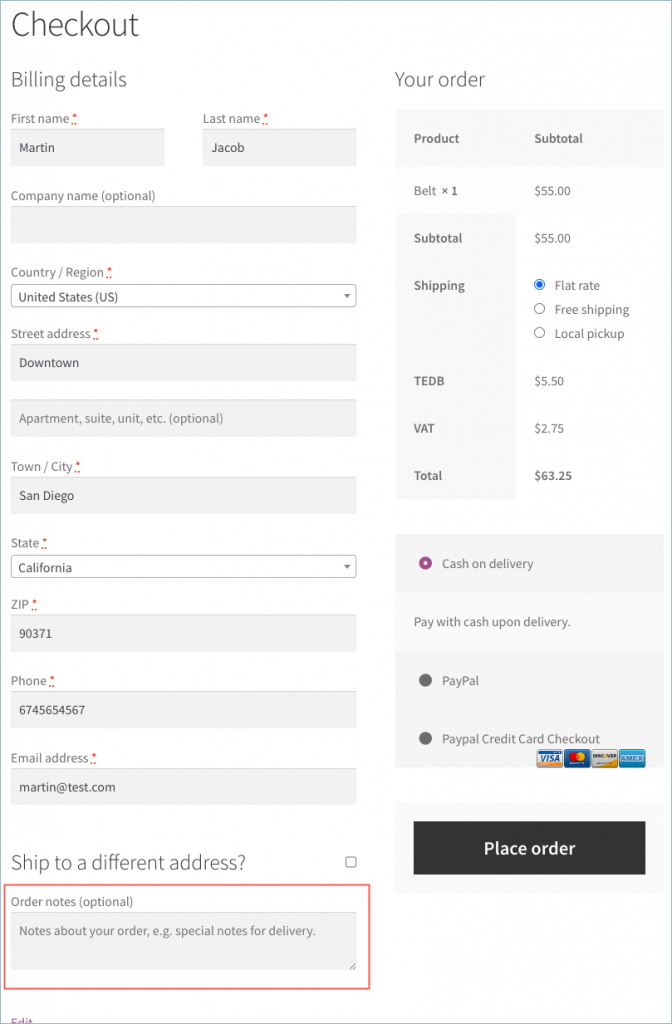
In WooCommerce, a customer can add an order note below the shipping address at the checkout. The order notes are important for the store owner as it will convey additional information regarding the order.
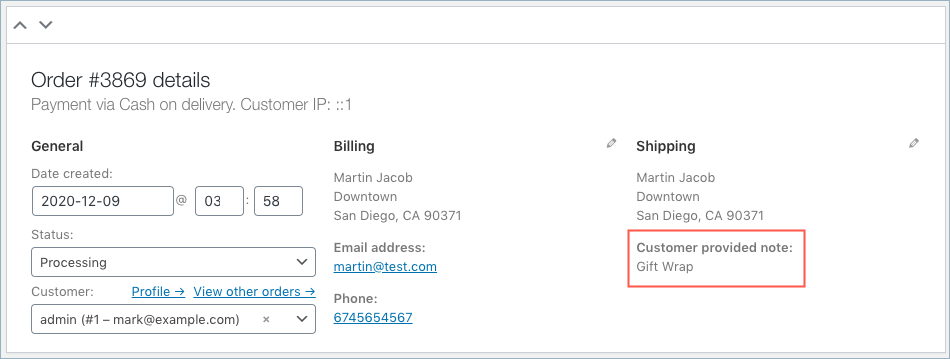
The store owner can view the Order note from the WooCommerce Orders page as shown below.

Add Customer Note in Invoice – Settings
Step 1: Install and activate the PDF Invoice and Packing Slip plugin for the WooCommerce plugin. Read the setup
Step 2: From the WordPress dashboard, go to Invoice/ Packing > Invoice Settings .
Step 3: Move on to the Advanced tab. You can see the window as shown below:
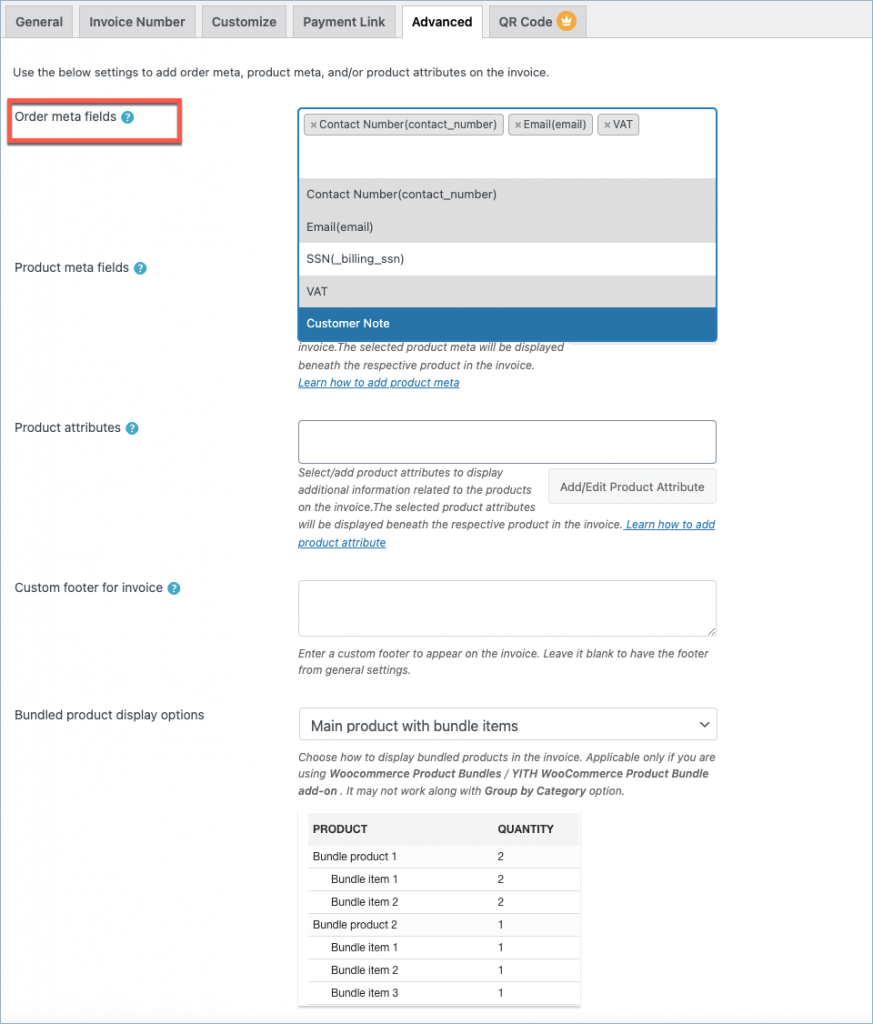
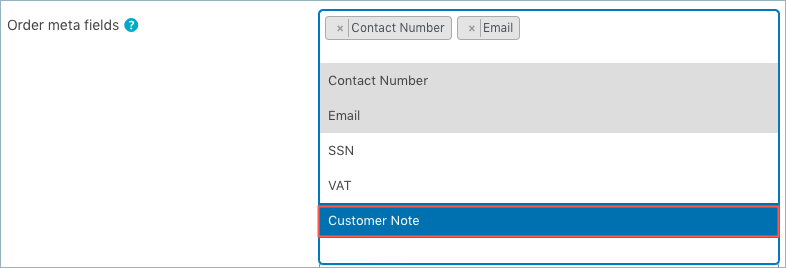
From the Order meta fields dropdown, choose Customer note to include a customer note in the invoice, as shown below:
Save the settings by clicking on the Update Settings button.
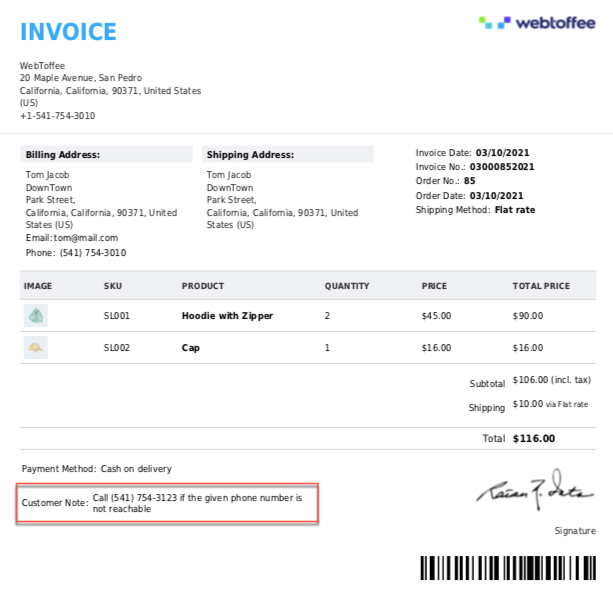
Invoice with Customer Note
A sample invoice with customer note will be as shown below:
Related article:
