Share:


Table of Contents
WooCommerce BOGO plugins are essential tools for online stores aiming to enhance sales through effective promotional strategies. By enabling Buy One Get One (BOGO) deals, these plugins help retailers increase average order values and drive customer engagement, addressing the limitations of WooCommerce's default coupon system. Choosing the right plugin is crucial for maximizing the effectiveness of these promotions while ensuring a seamless checkout experience.
- BOGO promotions can lead to a 20–30% increase in average order value when executed correctly.
- Many WooCommerce stores require dedicated BOGO plugins to implement advanced promotional strategies effectively.
- Key features to look for in BOGO plugins include recursive offers, discount stacking, and user-specific conditions.
- Popular plugins like Smart Coupons and Discount Rules offer both free and premium options, catering to various business needs.
- Testing BOGO scenarios in a staging environment is vital to avoid issues during live promotions.
- The right plugin should balance flexibility, ease of use, and functionality to enhance customer experience and boost sales.
WooCommerce stores rely heavily on promotional offers to increase conversions, move inventory faster, and encourage larger purchases. Among all discount strategies, Buy One Get One (BOGO) deals remain one of the most effective because they create an immediate sense of value for shoppers while increasing average order value for store owners.
That’s not just a feeling: research summarized by ResearchGate found that roughly 77% of shoppers would pick a BOGO-style deal over an equivalent percentage-off discount, even when the two offers work out to the same net savings. People respond to “free” in a way a matching percentage just doesn’t trigger.
The challenge is that WooCommerce does not support advanced BOGO promotions out of the box. That’s why many store owners turn to dedicated WooCommerce BOGO plugins. The right plugin gives you complete control over how your promotions work while ensuring discounts apply accurately without breaking the checkout experience, which matters more than it sounds.
In this article, we’ve handpicked the best WooCommerce BOGO plugins for 2026, including both free and premium options, to help you create high-converting promotional campaigns for your store.
| # | Plugin | Best For |
| 1 | Smart Coupons for WooCommerce by WebToffee | Best free plugin with a native BOGO module |
| 2 | Discount Rules for WooCommerce | Best all-in-one dynamic pricing + BOGO |
| 3 | Power Coupons for WooCommerce | Best coupon + loyalty + gift card combo |
| 4 | Advanced Dynamic Pricing for WooCommerce | Best free pricing engine for BOGO |
| 5 | Conditional Discounts for WooCommerce | Best for B2B and member-only conditional BOGO |
| 6 | ELEX Dynamic Pricing and Discounts | Best for weight- and cost-based BOGO rules |
| 7 | YITH WooCommerce Dynamic Pricing and Discounts | Best for visual, marketing-heavy stores |
| 8 | Advanced Coupons for WooCommerce | Best for BOGO inside the native coupon screen |
| 9 | PW WooCommerce BOGO | Best for one-click sitewide BOGO |
| 10 | YayPricing | Best drag-and-drop rule builder |
| 11 | Dynamic Pricing With Discount Rules for WooCommerce | Best for spend-history-based BOGO |
| 12 | Buy One Get One Free for WooCommerce (QuadLayers) | Best for customer-chosen free gifts |
| 13 | WooCommerce Discount Manager (Barn2) | Best guided setup wizard for first-timers |
Stores running BOGO promotions typically see a 20–30% lift in average order value. That number drops sharply when the deal misfires, discounting wrong items, failing on cart edits, or silently not applying at all, which is exactly why the free-tier limitations in the table above matter as much as the feature lists below.
1. Smart Coupons for WooCommerce

Smart Coupons for WooCommerce is a freemium coupon plugin with a dedicated BOGO module built into the free tier, something most competing plugins lock behind a paywall. It covers far more than basic buy-one-get-one logic. For the full setup walkthrough, see how to create BOGO offers in WooCommerce.
The BOGO setup works on a “Buy X, Get Y” model, where X and Y can be the same product, different products, or entire categories. The “get” item can be fully free or discounted by a fixed amount or percentage. So you can run “Buy one pizza, get a second one at 50% off” just as easily as “Buy any jacket, get a scarf for free.” You can also set it up so the cheapest item in the cart is the one that gets discounted, which protects your margin when multiple products qualify.
What makes it genuinely useful for active stores is the stacking behavior. BOGO deals can apply repeatedly within the same cart, so a customer buying 4 qualifying items gets the deal twice, not once. You can also layer additional conditions: user role, shipping method, payment gateway, and minimum spend.
This WooCommerce coupon plugin is trusted by 30,000+ stores, and the free version handles bulk coupon generation, auto-apply, and scheduling alongside BOGO.
Key Features:
- Auto-apply based on cart conditions
- Dedicated BOGO module in the free tier (Buy X Get X, Buy X Get Y, tiered BOGO)
- Full or partial discount on the giveaway product
- Choose specific products or categories for qualifying and giveaway items
- Repeatedly apply BOGO deals within the same cart
- Add conditions based on user role, shipping method, or payment gateway
- Bulk coupon generation with CSV export
2. Discount rules for WooCommerce

Discount Rules for WooCommerce by Flycart isn’t a BOGO-only tool. It’s a complete dynamic pricing engine that handles BOGO as one of several discount modes, alongside tiered pricing, cart-level discounts, and category-level rules.
The strength here is conditional logic. You can build rules like “Buy 2 from Category A, get the cheapest item free, but only for logged-in customers with 3+ previous orders.” That kind of layering isn’t possible in most BOGO-dedicated plugins. A rule set to “Buy 2 Get 1 Free” will keep applying as the cart quantity scales, rather than firing once and stopping.
The free version handles bulk discounts and basic percentage rules. BOGO functionality requires the PRO version, but the free tier is genuinely useful for stores that also want tiered pricing.
Key Features:
- HPOS, WPML, and Polylang compatible
- Buy X Get X and Buy X Get Y rule types
- Recursive discounts that scale with cart quantity
- Free or partial discount for the giveaway item
- Cheapest-item logic to protect margins
- Conditions based on user role, cart subtotal, purchase history, and shipping address
- Strikethrough pricing and “You Saved” messaging on product and cart pages
3. Power Coupons for WooCommerce
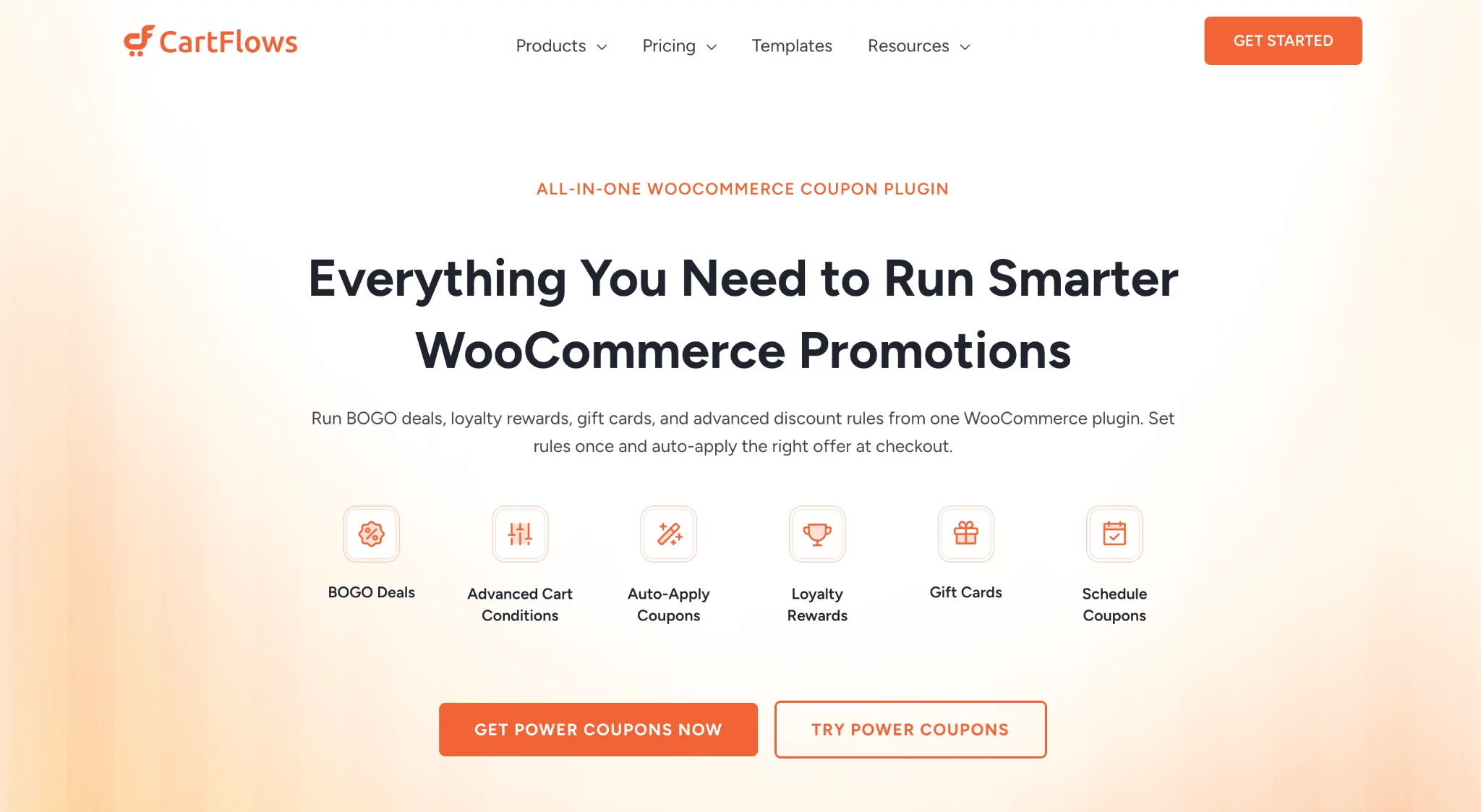
Power Coupons for WooCommerce by Brainstorm Force is a WooCommerce coupon plugin that includes a dedicated BOGO module alongside auto-apply coupons, loyalty rewards, gift cards, and free shipping rules. It comes from the team behind CartFlows and Astra.
The BOGO engine covers six offer types across quantity-based and spend-based triggers: Buy X Get X Free, Buy X Get Y Free, Buy X Get Y at X% Off, Spend $X Get Y Free, Spend $X Get Y at X% Off, and Spend $X Get Free Shipping. Each offer supports auto-apply or coupon code activation, variable product selection (customers pick size, color, etc.), usage limits, and scheduling. Multiple offers can run simultaneously and evaluate independently.
For spend-based offers, a visual cart progress bar shows customers how close they are to unlocking the deal, which works well for tiered promotions at different cart thresholds. The free version covers auto-apply coupons and basic cart conditions. BOGO, loyalty rewards, and gift cards require the Pro version.
Key Features:
- 6 BOGO offer types: Buy X Get X/Y Free, Buy X Get Y at X% Off, Spend $X Get Y Free/Discounted, Spend $X Get Free Shipping
- Pre-built offer templates with step-by-step setup wizard
- Auto-apply or coupon code activation per offer
- Variable product support for giveaway items
- Multiple simultaneous offers with independent evaluation
- Cart progress bar for spend-based offers
- Offer scheduling, usage limits, and product-level targeting
- Compatible with WooCommerce block-based cart and checkout
4. Advanced Dynamic Pricing for WooCommerce

Advanced Dynamic Pricing for WooCommerce by Algolplus is the closest free alternative to a full-featured pricing engine. The free version covers more BOGO scenarios than most paid BOGO-only plugins, which makes it a strong pick for stores that need real functionality without an upfront cost.
You get Buy X Get Y rules with product, category, and tag filters, plus configurable qualifying and giveaway conditions. Simple and variable products are both supported. The plugin also handles bulk discounts alongside BOGO, so you’re not installing one plugin for each discount type.
The trade-off is the interface: it’s functional but not particularly marketer-friendly. If you want front-end visual features like promotional banners or countdown timers, this isn’t the right pick.
Key Features:
- Buy X Get Y with product, category, and tag filters
- Shortcodes to display BOGO products on separate pages
- Automatic coupon application to cart
- Free or discounted giveaway options
- Let customers choose the giveaway product from a defined list
- Total cart subtotal rules (e.g., Buy any two for $100)
5. Conditional Discounts for WooCommerce

Conditional Discounts for WooCommerce is a niche pick with a genuinely impressive conditions engine. The BOGO functionality is in the premium version, but the layered targeting options are worth the upgrade for stores running tightly controlled promotions.
The standout use cases are B2B and member-only BOGO: you can fire a deal only when the cart subtotal exceeds a threshold, the customer has a specific user role, and a minimum quantity from a set category is in the cart — all as one rule. Free gifts based on user role are also available, which pair well with loyalty-style offers.
It also handles scenarios like “Buy two from Category A, get one from Category B free” and “Add a free product when cart total crosses $150” — both of which require more conditional control than most BOGO plugins offer.
Key BOGO Offer Types:
- Buy one, get one (standard BOGO)
- Buy two specific products, get a different product free
- Buy two from the same category, get one from a different category free
- Free product when cart subtotal meets a threshold
- The customer chooses a free product from a specific category
6. ELEX WooCommerce Dynamic Pricing and Discounts plugin
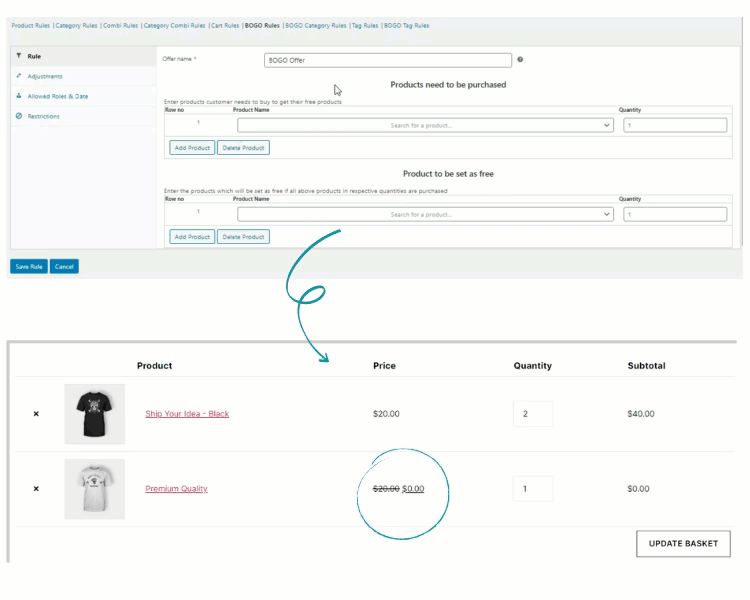
The Dynamic Pricing and Discounts plugin from ELEX handles BOGO at the product and category level and auto-adds qualifying free products to the cart when a coupon is applied. It’s a paid-only plugin, so there’s no free version to test with.
Configuration is available at four levels: product, category, cart, and combination. You can also set up discounts based on product weight and cost, which is useful for stores where physical dimensions affect pricing logic.
BOGO discounts can be tied to product tags, and the plugin supports user role and purchase history conditions for more targeted rules.
Key Features:
- BOGO at product, cart, category, and combination levels
- Select qualifying products by product tag
- Automatically adds free products to the cart on the coupon application
- Coupon discounts based on user roles and purchase history
- Discounts configurable by quantity, weight, and cost
7. YITH WooCommerce Dynamic Pricing and Discounts

YITH’s Dynamic Pricing and Discounts plugin is the strongest pick if front-end visual presentation matters as much as discount logic. Countdown timers, animated promo banners, and on-page discount tables come built in, features you’d otherwise need a separate plugin for.
The BOGO engine itself is solid. It comes with preset templates (Buy X Get Y Free, Buy 1 Get 1, 3×2, 2×1) that speed up setup for common scenarios. You can create multiple BOGO deals simultaneously, set rule priority, schedule time-limited offers, and restrict qualifying products and recipients.
Key features:
- Preset BOGO templates (Buy X Get Y, Buy 1 Get 1, 3×2, 2×1)
- Multiple concurrent BOGO deals with rule priority
- Scheduled, time-limited offers
- Countdown timers and animated promotional banners
- Discount tables displayed automatically on product pages
- BOGO for full catalog or specific categories
- Integrates with YITH Memberships to limit offers to members only
8. Advanced Coupons for WooCommerce

Advanced Coupons extends WooCommerce’s native coupon with BOGO coupons, cart conditions, URL coupons, and auto-apply.
The free version handles basic Buy One Get One deals. The premium version adds “Buy Two Get One at 50% off” and more complex BOGO variations. Store credit, gift cards, loyalty programs, and scheduled coupons are also in the paid tier.
Tiered BOGO logic is limited on the free tier; it’s not the right choice if scaling offers with cart quantity is a core requirement.
Key features:
- Create BOGO coupons
- Cart conditions engine (subtotal, products, user role, shipping zone)
- Auto-apply coupons when conditions are met
- URL coupons (apply a discount when the customer clicks a link)
- Store credit and gift cards (Premium)
9. PW WooCommerce BOGO

PW WooCommerce BOGO does one thing: it creates sitewide BOGO Free deals with minimal setup. Name the deal, hit Publish. That’s the entire process for the free version.
The simplicity is the feature. For stores that run occasional sitewide promotions and don’t need per-product targeting or complex conditions, this removes all friction. The free version is sitewide-only, so per-product BOGO, cross-category rules, and recursive offers require the PRO upgrade.
PRO adds Buy X Get X, percentage-off variants, “Spend X Get X” rules, auto-add to cart, and start/end date scheduling.
Key features:
- One-step setup for sitewide BOGO Free
- PRO: Buy X Get X, percentage-off BOGO, spend-to-trigger rules
- Auto-add qualifying product to cart (PRO)
- Schedule start and end dates
- Compatible with PayPal and Klarna
10. YayPricing – WooCommerce Dynamic Pricing & Discounts

YayPricing covers the full range of discount types, BOGO, bulk discounts, tiered pricing, and percentage-off offers, with a drag-and-drop interface that makes rule creation faster than most alternatives. It’s a good pick for stores managing a high volume of different promotions simultaneously.
BOGO options include Buy One Get One Free, Buy One Get One with a discount, and Buy One Get a different product for free. Advanced usage restrictions apply across the board: minimum cart value, product-level conditions, and customer-specific targeting.
It also supports sign-up coupons, clearance-sale rules, loyalty rewards, and limited-time offers in a single interface.
Key features:
- Buy One Get One Free, Buy One Get One at a discount, Buy One Get a different product free
- Drag-and-drop discount rule interface
- Bulk discounts with conditions
- Sign-up coupons, clearance sales, loyalty rewards, limited-time offers
- Advanced usage restrictions
11. Dynamic Pricing With Discount Rules for WooCommerce

Dynamic Pricing With Discount Rules for WooCommerce is a freemium plugin with flexible pricing options across products and categories. BOGO functionality is in the premium version.
The premium tier supports advanced deal structures like “Buy 3, get 50% off the 4th item” and “Buy 5, get a discount on 4 items” — variations that go beyond standard Buy 1 Get 1 logic. Usage restrictions are granular: you can apply discounts based on user role, number of previous orders, total amount spent, and last order amount.
Key features:
- Advanced BOGO deals (Buy 3 Get 1 at 50%, Buy 5 Get a Discount on 4)
- Flexible product and category pricing
- Usage restrictions based on user role, order count, spend history, and last order amount
- Simple and variable product support
12. Buy One Get One Free for WooCommerce
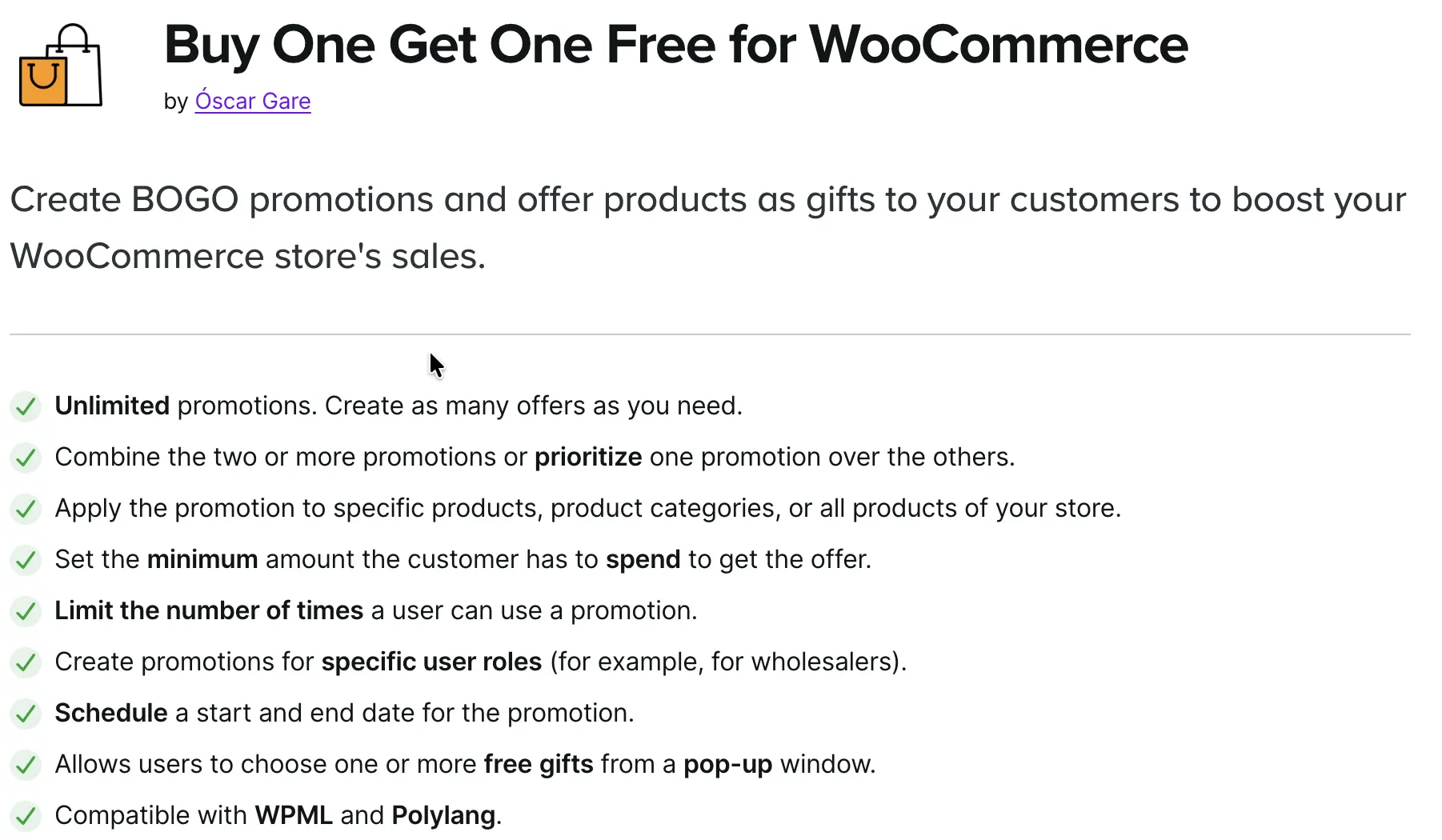
Buy One Get One Free for WooCommerce by Óscar Gare is listed on the official WooCommerce.com marketplace, which means it’s been through Woo’s compatibility review process. Its standout feature is a pop-up window that lets the customer pick which free gift they want from a list you define, rather than always receiving the same item.
Beyond the gift pop-up, it covers the standard BOGO shapes: buy two and pay for one (2×1), buy three and pay for two (3×2), and automatic free-item add-to-cart when a qualifying product is purchased. You can restrict promotions by minimum spend, user role, usage limits per customer, and schedule a start and end date. Product variations are supported, including letting the customer choose the size or color of their free item, which matters for apparel and similar categories.
The plugin does not offer a free version, so there’s no lightweight tier to test before buying. It’s built and supported by a single developer rather than a larger team, which shows up in review threads as both a strength (direct, personal support) and a limitation (slower turnaround during high support volume).
Key Features:
- Customer-selectable free gift via pop-up window
- 2×1 and 3×2 rule types, plus automatic free-item add-to-cart
- Category-level rules (buy from Category A, choose free gift from Category B)
- Variable product support, including customer-selected size/color for the free item
- Minimum spend, user role targeting, and per-customer usage limits
- WPML and Polylang compatible; HPOS and cart/checkout block compatible
13. WooCommerce Discount Manager (Barn2)
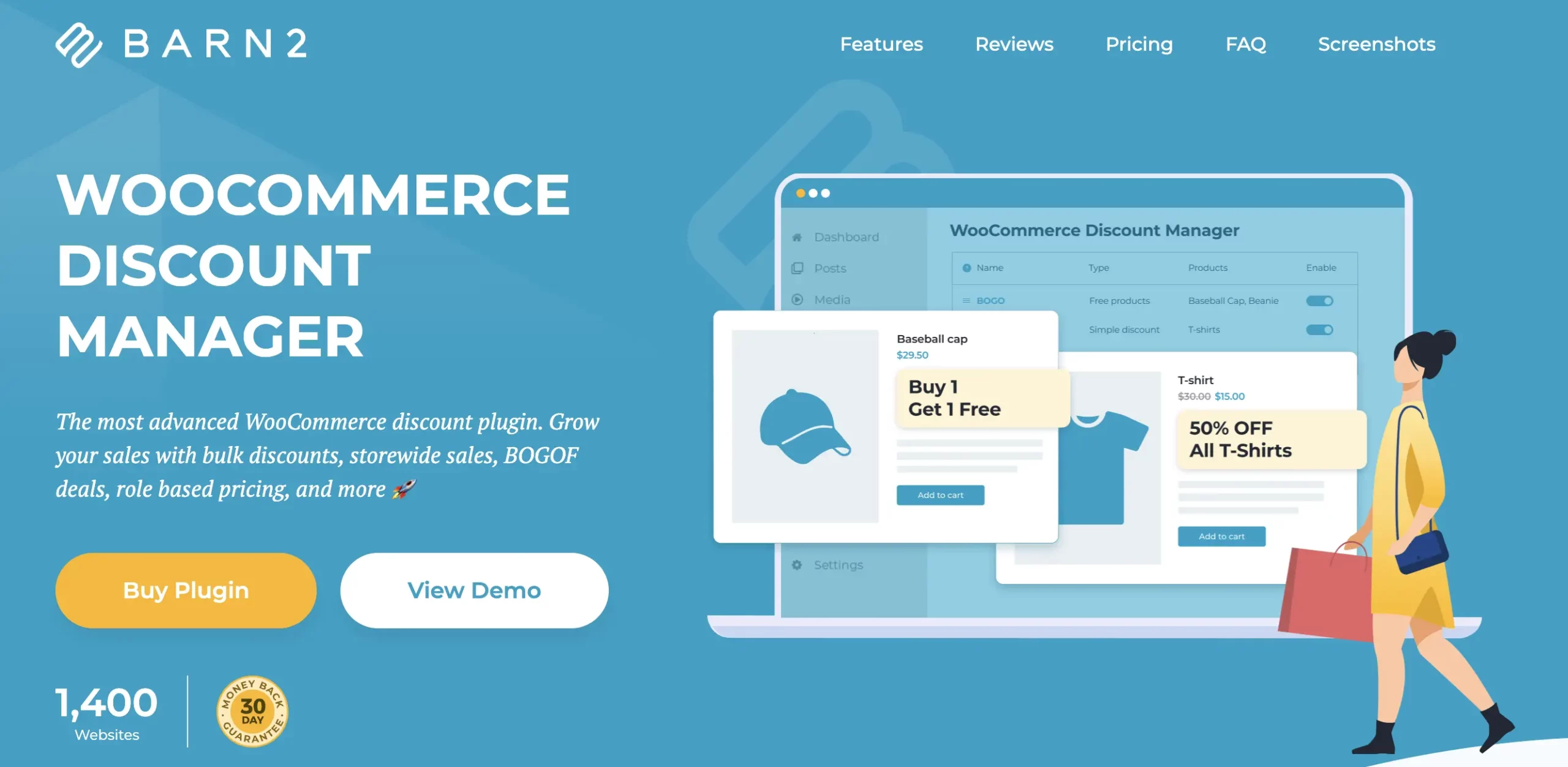
WooCommerce Discount Manager by Barn2 is a rules-based discount plugin covering seven discount types from one interface: simple percentage/fixed discounts, total-spend discounts, free-product BOGO deals, buy-X-for-a-fixed-price bundles, buy-X-for-X-discount tiers, bulk quantity pricing, and pre-built volume bundles. It’s aimed at store owners who want a guided path rather than a blank rules engine to configure from scratch.
The BOGO piece sits inside the “free products” discount type: when a customer buys a minimum number of qualifying products, you mark a set number of items in their cart as free, either matching the purchased product or any item in the cart (the plugin automatically discounts the lowest-value items when using the “any item” option, protecting your margin by default).
Rules can be scoped to specific products, variations, or categories, restricted to WordPress user roles, and scheduled with a start and end date. A built-in priority system prevents two discount rules from stacking unintentionally on the same product.
There’s no free version, so you can’t test-drive it without buying, though Barn2 offers a 30-day money-back guarantee. The plugin is also designed to pair with Barn2’s own WooCommerce Wholesale Pro for stores that need role-based wholesale pricing alongside quantity discounts.
Key Features:
- 7 discount types in one rules-based interface, including free-product BOGO
- Automatic “discount the cheapest item” logic when giving away any-item-in-cart deals
- Scoping by product, variation, category, and WordPress user role
- Scheduled start/end dates for sales
- Priority system to prevent unintended discount stacking
- Tiered pricing tables and on-page discount messaging
- WPML, Weglot, and TranslatePress compatible
How to Choose the Right WooCommerce BOGO Plugin
The right plugin depends on your specific scenario, not the longest feature list. Before going live with any BOGO plugin, test these specific scenarios on a staging store:
- Recursive offers: Does “Buy 2 Get 1 Free” apply again when the customer buys 4? Many plugins fire once and stop.
- Cheapest-item logic: When multiple products qualify, which one gets discounted? You want the cheapest. Some plugins default to the most expensive.
- Cart edits: If the customer removes the qualifying item after the free product was added, does the free item also disappear?
- Variable products: Does the rule respect a specific variation (size M only), or does it apply to every variation?
- Discount stacking: If a customer applies a 20% coupon on top of a BOGO deal, does the total math stay correct?
What is the best free WooCommerce BOGO plugin?
WebToffee Smart Coupons for WooCommerce and Advanced Dynamic Pricing for WooCommerce both include working BOGO logic in their free tiers, not just a trial. Most other plugins on this list require a premium upgrade before BOGO becomes available.
Does WooCommerce have built-in BOGO?
No. WooCommerce’s native coupon system supports percentage discounts, fixed-cart discounts, fixed-product discounts, usage limits, and expiry dates, but it has no “Buy X, Get Y” logic, auto-apply, or recursive scaling. That’s what a dedicated BOGO plugin adds.
How much does a WooCommerce BOGO plugin cost?
Free options with real BOGO functionality exist (Smart Coupons, Advanced Dynamic Pricing). Paid plugins on this list range from about $49/yr to $249/yr for higher Smart Coupons tiers, with most mid-range options landing between $59 and $145/yr for a single site.
Can I run BOGO on variable products?
Yes, most plugins on this list support variable products, though the depth varies. Discount Rules, YITH, Advanced Dynamic Pricing, and QuadLayers’ plugin all support variation-specific targeting (a specific size or color only). A few lightweight free tiers limit BOGO to simple products, so check this specifically if your catalog relies on variations.
Can BOGO offers stack with other discounts?
It depends on the plugin’s stacking and priority controls. Smart Coupons, Discount Rules, and Barn2’s Discount Manager all let you control whether a BOGO deal can combine with other coupons or discount rules. Without that control, a customer combining a percentage coupon with an auto-applied BOGO deal can end up with a much steeper discount than intended, so this is worth testing before launch regardless of which plugin you pick.
Conclusion
Running BOGO promotions in WooCommerce sounds simple until you try building one with the default coupon system. That’s where dedicated WooCommerce BOGO plugins make all the difference. Whether you want a straightforward “Buy One Get One Free” deal or advanced promotional rules with cart conditions, user targeting, and recursive discounts, the right plugin can turn a basic offer into a high-converting sales strategy.
If you’re looking for a balanced solution that combines flexibility, ease of use, and built-in BOGO functionality even in the free version, Smart Coupons for WooCommerce is a strong place to start. But every store has different needs. Some prioritize advanced pricing logic, others need visual promotional tools, a guided setup wizard, or a lightweight sitewide offer.
The key is choosing a plugin that matches your promotion strategy without creating checkout friction or discount errors. Test your BOGO campaigns thoroughly, monitor how customers interact with them, and refine the rules based on performance. When done right, BOGO offers can increase average order value, move inventory faster, and encourage repeat purchases without hurting the shopping experience. Once your BOGO offer is running, it’s worth looking at advanced cart conditions to layer in quantity or subtotal thresholds that make the promotion even more targeted.


Subcribe to our newsletter