
Share:


Table of Contents
Building a website is essential for small businesses to establish an online presence, attract customers, and facilitate growth. Modern website builders eliminate the need for coding skills and large budgets, offering user-friendly interfaces and a variety of features tailored to different business needs. Selecting the right website builder is crucial, as it impacts costs, customization, eCommerce capabilities, and scalability.
- Website builders allow users to create and manage websites without coding, using templates and intuitive editors.
- Different types of builders include all-in-one platforms, eCommerce-focused solutions, self-hosted options, and AI-driven generators, each serving distinct business needs.
- Key factors for choosing a website builder include total costs after the first year, maintenance requirements, eCommerce capabilities, content ownership, SEO features, and built-in tools versus add-ons.
- Popular website builders for small businesses include WordPress for flexibility, Shopify for eCommerce, Wix for all-in-one solutions, and Squarespace for design-oriented services.
- It's important to consider renewal rates, transaction fees, and the ability to scale as your business grows when selecting a website builder.
- Free trials and comparisons of features can help identify the best platform that aligns with both current needs and future growth plans.
Building a website is one of the first steps in establishing an online presence for your small business. Whether you’re starting an online store, promoting your services, or creating a portfolio, having a professional website helps you reach more customers and grow your business.
The good news is that you don’t need coding skills or a big budget to create one. Modern website builders make it easy to design, launch, and manage a website using ready-made templates, drag-and-drop editors, and AI-powered tools.
However, with so many options available, choosing the right website builder can be challenging. Each platform differs in pricing, customization, eCommerce capabilities, and scalability.
In this article, we’ll explore the 9 best website builders for small businesses in 2027, comparing their features, pricing, advantages, and limitations to help you find the right platform for your business.
Let’s get started.
A website builder is a tool that lets you create, publish, and manage a website without writing code. You pick a template or answer a few prompts, swap in your own text and images, and the platform handles the technical side, such as hosting, security certificates, and software updates.
Most builders today fall into one of four groups:
- All-in-one builders like Wix and Squarespace bundle design, hosting, and tools like forms, booking, and email marketing into one subscription.
- Ecommerce-first builders like Shopify and Square Online are built around products, payments, and inventory, with the website layered on top.
- Self-hosted platforms like WordPress give you the software for free, and you choose the hosting, themes, and plugins yourself. You get more control, but you also take on more upkeep.
- AI builders, now part of most platforms, generate a starter site from a short description of your business. They speed up the first draft, but the result still needs your edits.
Which group fits you depends less on design and more on what your business needs the site to do a year from now.
1. Total Cost After Year One
The price on the pricing page is usually a first-term discount. Look at the renewal rate, any transaction fees on sales, and the paid apps you’ll likely need for things like reviews or advanced forms. The cheapest website builder for small business in month one can easily cost more than a mid-priced option by month 18. Add it all up for year two before you commit.
2. How Much Upkeep You Can Handle
Hosted builders like Wix, Squarespace, and Shopify take care of security, updates, and server performance for you. Self-hosted platforms like WordPress hand that work to you or your developer.
If you’re looking for the best website builder and hosting for a small business in one package, a hosted platform keeps things simple. If you want full control and don’t mind regular maintenance, self-hosting gives you more freedom.
3. Whether You’ll Sell Online, and How Much
A five-page service site and a 500-product store need very different foundations. Even if selling isn’t part of the plan yet, check how each platform handles products, payments, subscriptions, and discounts as you grow. The best eCommerce website builder for small business is one you can scale up gradually, without having to rebuild the whole site when online sales take off.
4. Who Owns Your Content and Customer Data
Some builders make it easy to export your pages, products, and customer lists. Others make leaving painful enough that most people never do. Before you sign up, find out what you can download and in what format. Moving platforms always takes effort, but it should never mean starting over from nothing.
5. SEO and AI Search Visibility
Every major builder covers the basics, like editable titles, meta descriptions, and clean URLs. The differences show up in site speed, structured data, and how much control you have over page structure. Those details shape how search engines rank your pages and whether AI search features can read and cite your content.
6. Built-In Tools vs Add-Ons
Some platforms include email marketing, booking, and forms in the subscription. Others rely on third-party integrations for each one. Built-in tools are simpler to manage but often basic. Add-ons are more powerful but bring extra logins and extra bills.
List the tools your business needs now and the ones you expect to need next year, then match the builder to that list.
1. WordPress
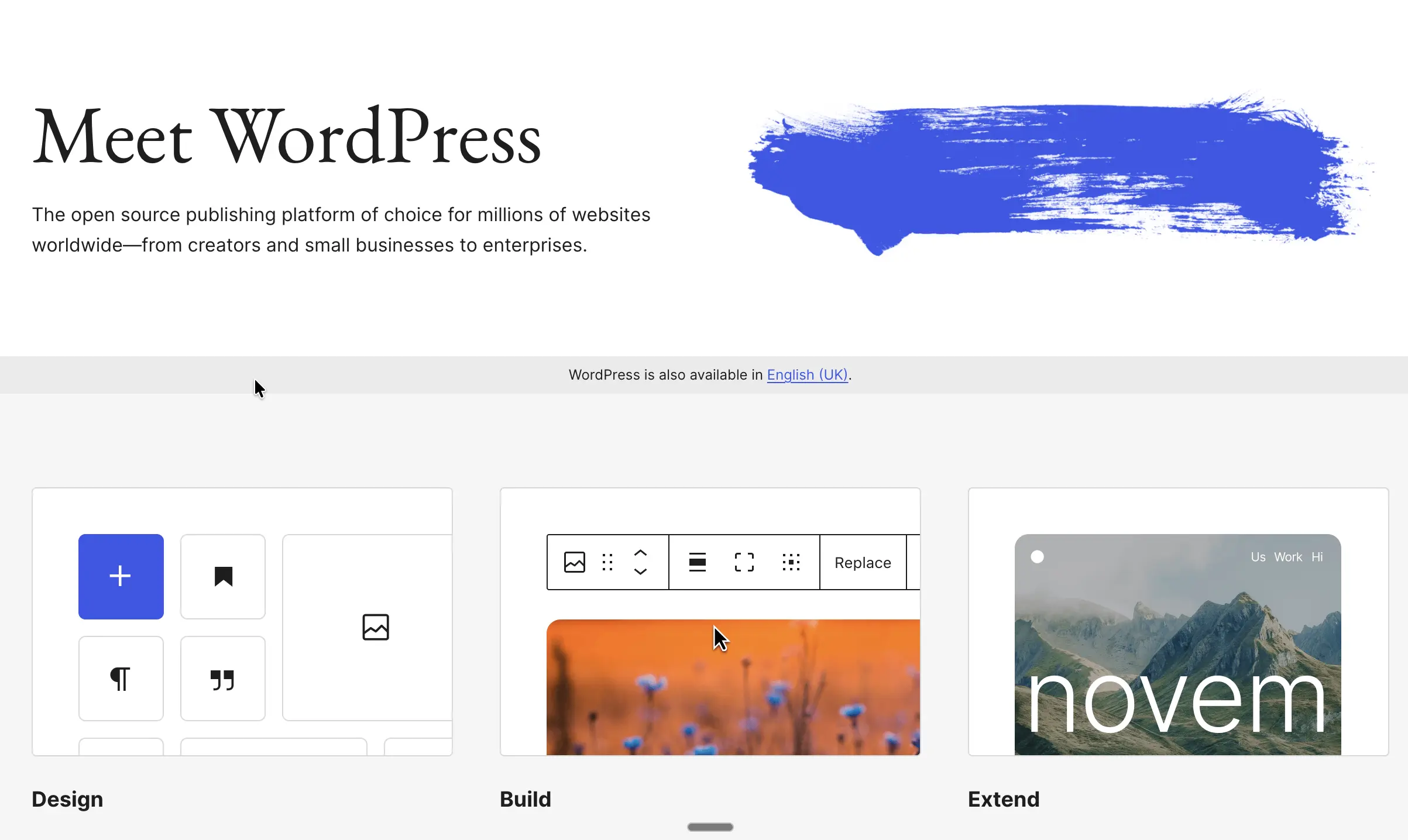
WordPress is open-source software that runs a large share of the web, and it’s the most flexible option on this list. You choose your own hosting, theme, and plugins, which means you can build almost anything, from a simple brochure site to a full store with WooCommerce. If you’re asking whether WordPress is a good website builder, the answer is yes, provided you’re comfortable owning the setup.
Best for: Businesses that want full ownership of their site and a platform that can grow from a blog into a store.
Standout features:
- Thousands of themes and plugins for SEO, forms, bookings, and memberships
- WooCommerce turns any site into a store, with extensions like Smart Coupons for WooCommerce or PDF Invoices & Packing Slips for WooCommerce
- Complete control over code, data, and hosting provider
- Strong content tools for businesses that rely on blogging
Pricing: The WordPress software is free. You pay separately for hosting, a domain, and any premium themes or plugins.
Year-two cost: Depends entirely on your hosting plan and plugin licenses, so budget for annual renewals on both.
Watch out for: Updates, backups, and security are your responsibility. Too many plugins can slow the site down or conflict with each other, so it pays to keep the stack lean or have a developer on call.
2. Shopify

Shopify is a website builder, built around a store. Everything from product pages to checkout, shipping, and taxes is designed to help you sell, and the website layer sits on top of that. It scales smoothly from a handful of products to a high-volume operation without forcing a platform change.
Best for: Product-first businesses that plan to grow online sales seriously.
Standout features:
- Fast, reliable checkout with Shop Pay
- A large app store for reviews, upsells, and product recommendations, including apps like StoreFrog
- Built-in POS for selling in person
- Inventory, shipping, and tax tools included
Pricing: The Basic plan starts at $29/mo billed annually. See Shopify’s pricing page for current plans.
Year-two cost: Paid apps add up quickly, and many stores end up spending more on apps than on the plan itself.
Watch out for: Using a payment provider other than Shopify Payments adds a transaction fee on lower plans. Blog and content pages are more limited than on WordPress or Squarespace, which matters if content marketing is part of your plan.
3. Wix
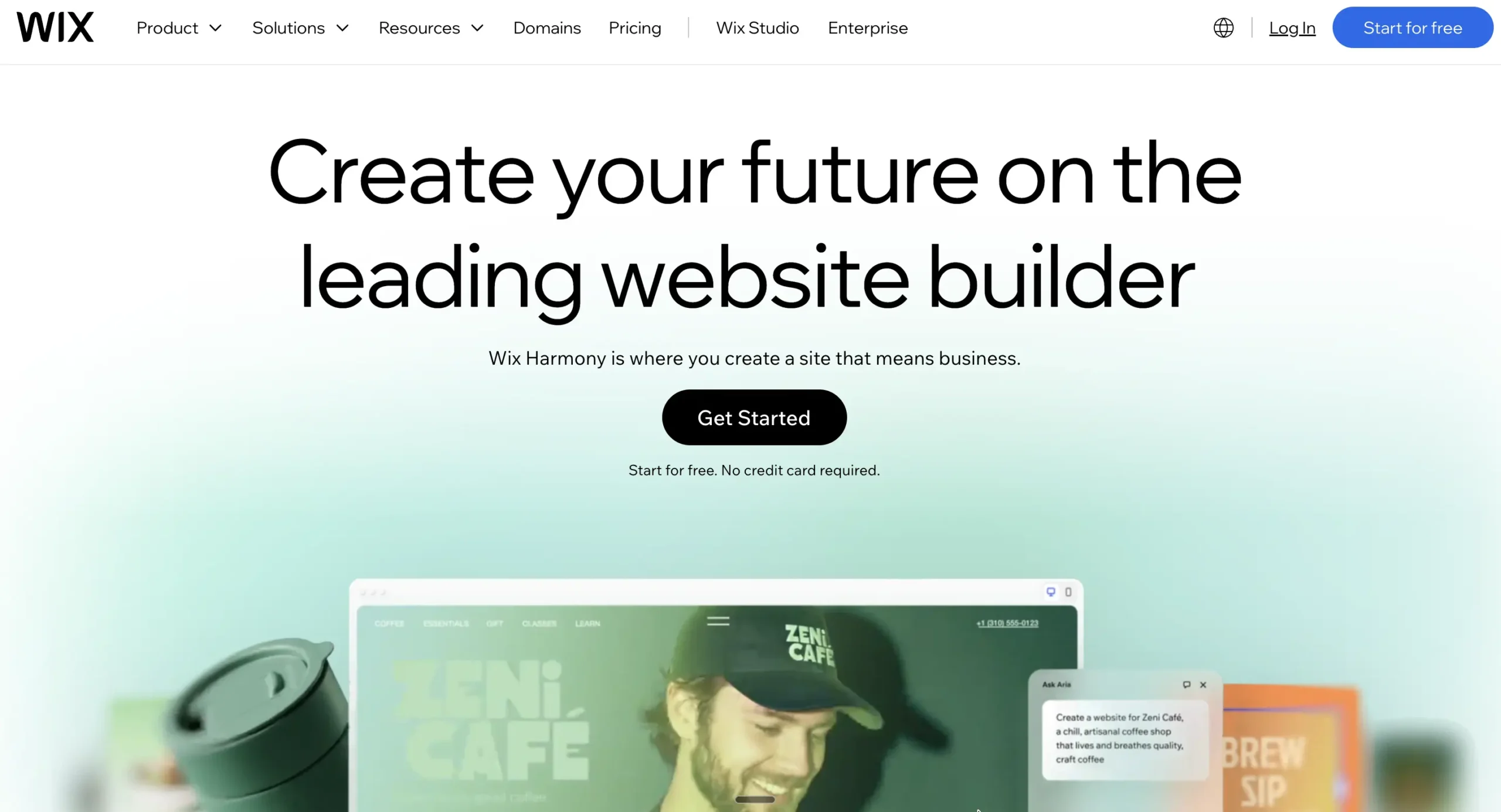
Wix is an all-in-one builder with a drag-and-drop editor, an AI site generator, and a large template library. It bundles marketing tools such as email campaigns, social posts, and a logo maker into the platform, so small teams can manage a lot from one dashboard. So, is Wix a good website builder? For most small businesses, yes, especially if you want flexibility without touching code.
Best for: Businesses that want an all-in-one site with built-in marketing and the option to sell online.
Standout features:
- 900+ templates across a wide range of industries
- AI website builder that generates varied designs from one prompt
- Built-in email marketing, social post, and logo tools
- App market for added functionality
Pricing: The Light plan starts at $17/mo billed annually, and a limited free plan is available. See Wix’s pricing page.
Year-two cost: Selling online requires the Core plan or higher, and add-on apps can raise the monthly total.
Watch out for: You can’t switch templates after publishing without rebuilding the site. The dashboard can feel crowded for first-timers, and the free plan shows Wix ads and a Wix subdomain.
4. Squarespace
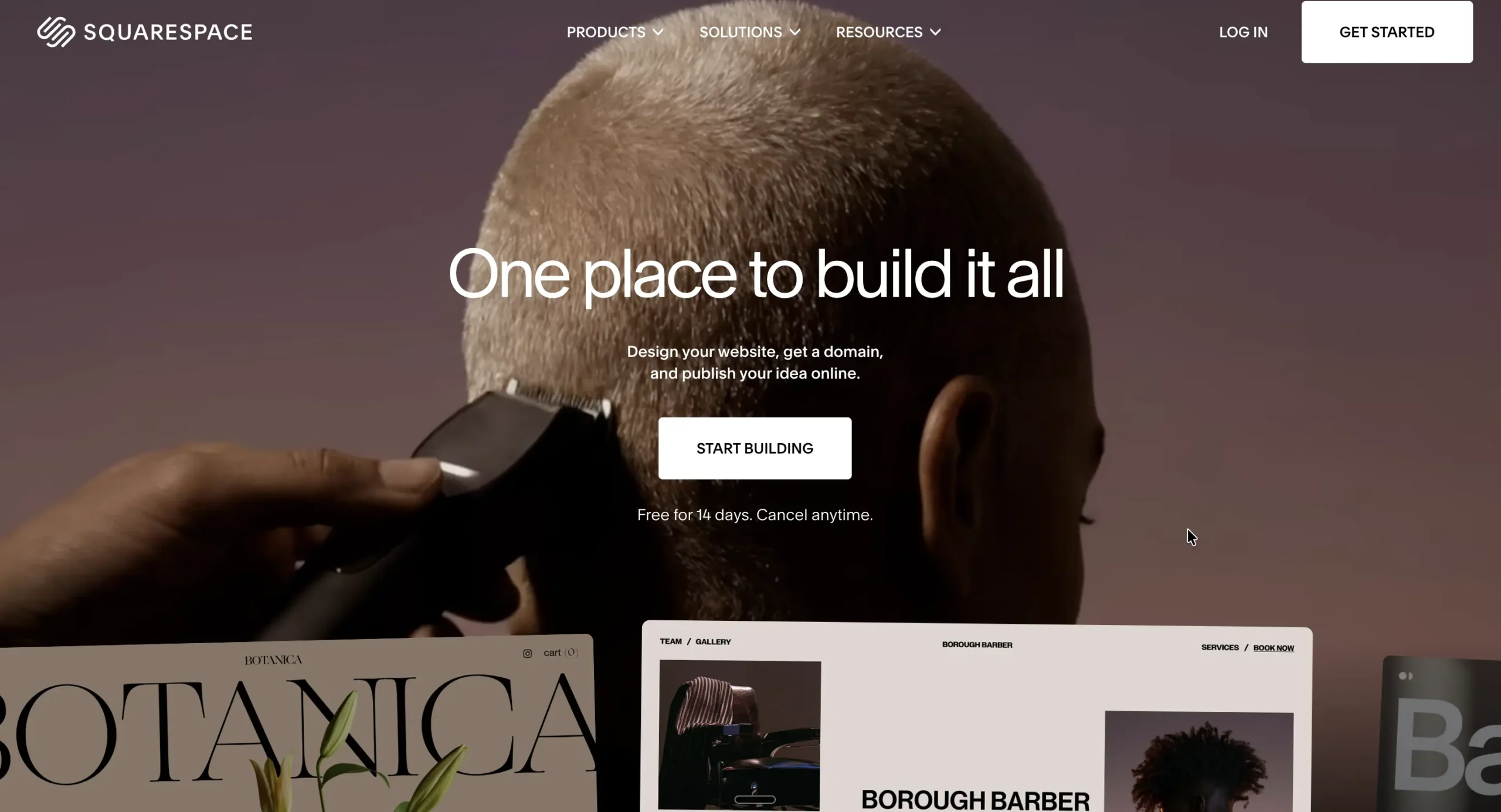
Squarespace is known for polished, design-led templates that keep layouts tidy even when you’re not a designer. It includes scheduling, invoicing, basic email marketing, and member areas under one subscription, which makes it a natural fit for service businesses. Its Blueprint AI tool helps you build a starter site while leaving the design choices to you.
Best for: Service businesses, consultants, and creatives who value presentation and built-in booking.
Standout features:
- Professionally designed templates with a grid-based editor
- Built-in scheduling through Acuity
- Paywalls for courses, memberships, and subscription content
- Ecommerce on most plans
Pricing: Plans start at about $19/mo billed annually, with a 14-day free trial. See Squarespace’s pricing page.
Year-two cost: The entry plan charges transaction fees on sales, so growing stores usually move up a tier.
Watch out for: Site speed has trailed competitors in independent tests. There’s no phone support, and eCommerce tools are lighter than Shopify’s, so high-volume stores may outgrow it.
5. Hostinger Website Builder
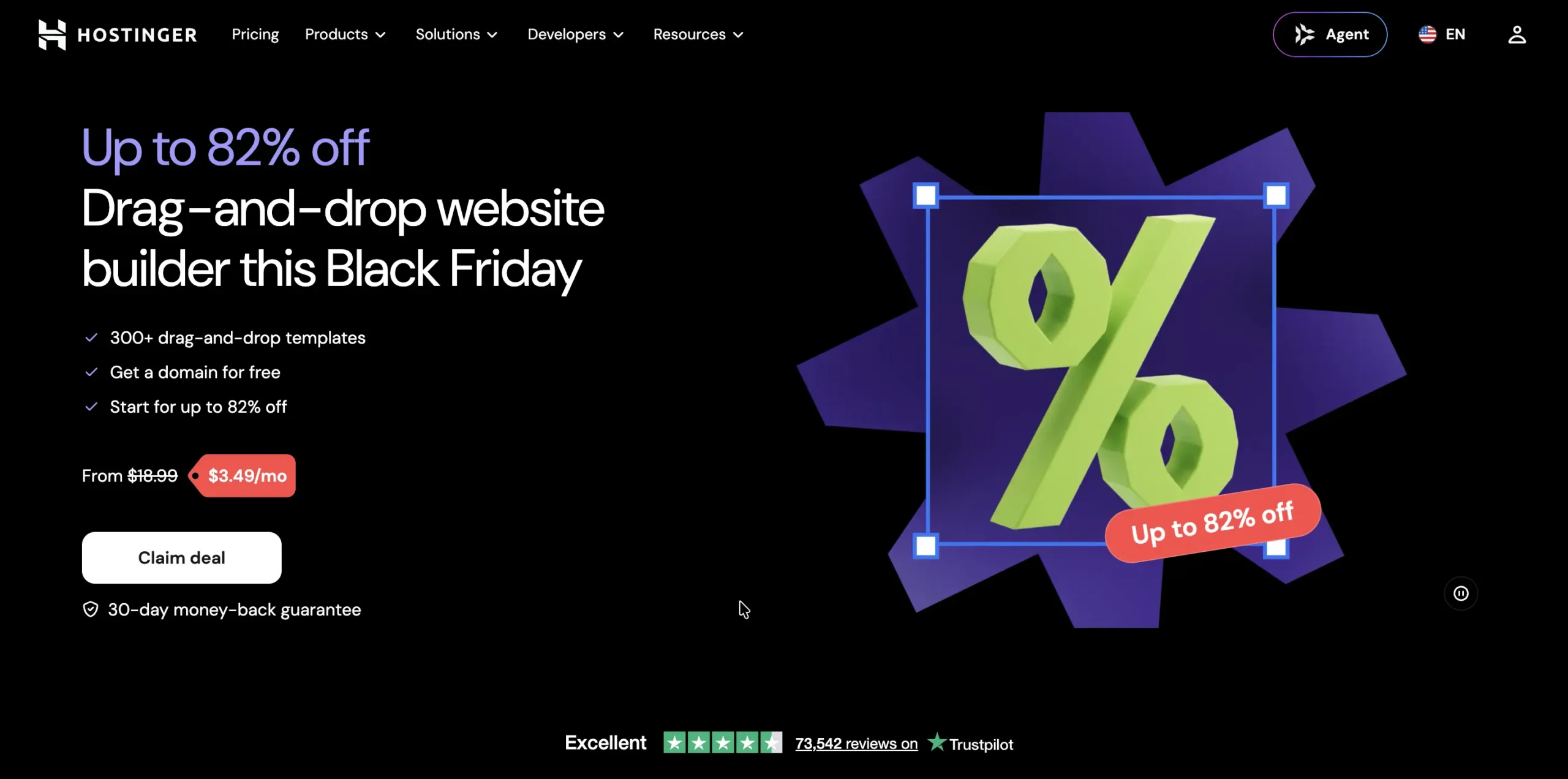
Hostinger built its website builder around AI from the start. You answer a couple of prompts, and it drafts a full site, including copy and images, in under a minute. Its sites also load quickly, and the entry price is one of the lowest available.
Best for: Budget-conscious businesses that want a simple, fast site built with AI.
Standout features:
- AI site generator that works from short prompts
- AI writer for blog posts and page copy
- Fast page-load times
- Ecommerce on the Business plan
Pricing: Starts at $2.49/mo on a multi-year term paid upfront. See Hostinger’s website builder page.
Year-two cost: The low price applies only to the first term. Renewals cost noticeably more, so check the renewal rate before paying for several years at once.
Watch out for: There’s no app market, so you can’t add third-party marketing or shipping tools. The eCommerce plan caps products at 500, and the booking tool is basic.
6. GoDaddy
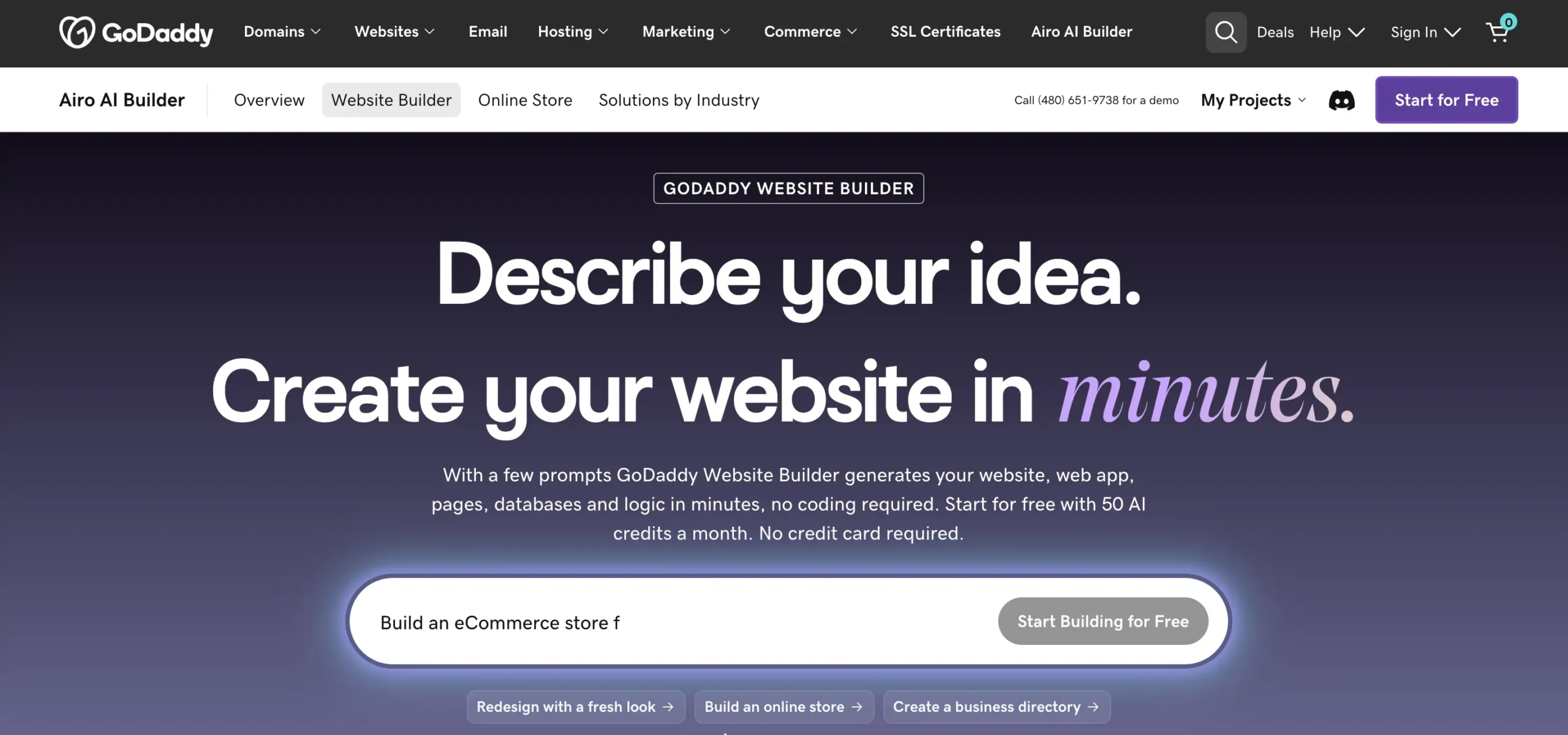
GoDaddy’s builder uses AI to create a working site in a few steps, and it ties neatly into GoDaddy’s domain and email services. It includes marketing tools, social posting, and appointment booking, with booking available even on the free plan. For owners who want a site live today with minimal decisions, it’s one of the quickest routes.
Best for: Owners who want a fast setup and keep their domain, email, and site with one provider.
Standout features:
- AI site creation in a few steps
- Built-in email marketing and social post tools
- Appointment booking, including on the free plan
- Domain and email management in one dashboard
Pricing: Paid plans start at $9.99/mo for the first year. See GoDaddy’s website builder page.
Year-two cost: Renewal prices roughly double the first-year rate, and several SEO and marketing features are paid add-ons.
Watch out for: You can’t edit how the site looks on mobile separately, and there’s no app market. Designs from the AI can look generic without manual edits.
7. Square Up
Square Up connects your website directly to Square’s payment and POS system. Products, inventory, and orders sync across your physical store and your online shop, so you don’t have to manage two catalogs. It’s a practical pick for cafés, retail shops, and restaurants already using Square at the counter.
Best for: Local businesses that sell both in person and online.
Standout features:
- Shared inventory between POS and online store
- Online ordering for pickup and delivery
- Free plan with eCommerce included
- Simple setup for existing Square users
Pricing: A free plan is available, with paid plans for more features. See Square Up’s pricing page.
Year-two cost: Transaction fees apply to every sale, so costs rise with order volume rather than with the plan.
Watch out for: Design options and blogging tools are limited compared to Squarespace or Wix. It works best inside the Square ecosystem, so businesses using other payment providers get less value from it.
8. Webflow
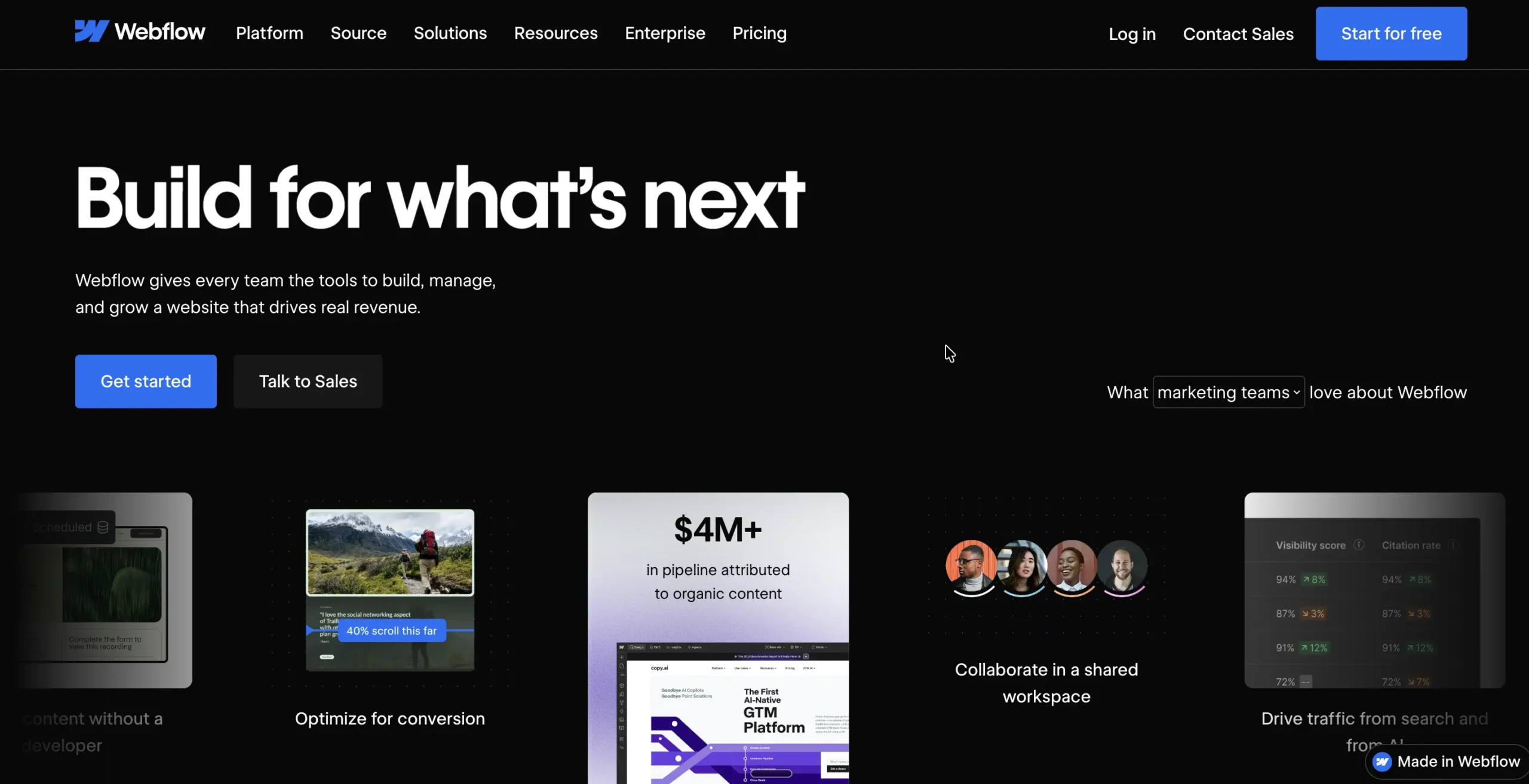
Webflow gives designers close to developer-level control over layout, animations, and responsiveness without writing code. Its CMS handles blogs, case studies, and other structured content well, and its SEO controls are detailed. The trade-off is a learning curve that assumes some familiarity with HTML and CSS.
Best for: Design-led brands working with a designer or developer.
Standout features:
- Precise control over layout, spacing, and interactions
- Powerful built-in CMS for structured content
- Detailed SEO settings, including structured data
- AI tools for generating sections and components
Pricing: Site plans start at $15/mo billed annually, with workspace plans billed separately. See Webflow’s pricing page.
Year-two cost: Two subscriptions, plus eCommerce if you sell, can push the total well above the advertised starting price.
Watch out for: The learning curve is steep for non-designers. The editor your team uses after launch differs from the designer’s editor, and support isn’t available around the clock.
9. Framer
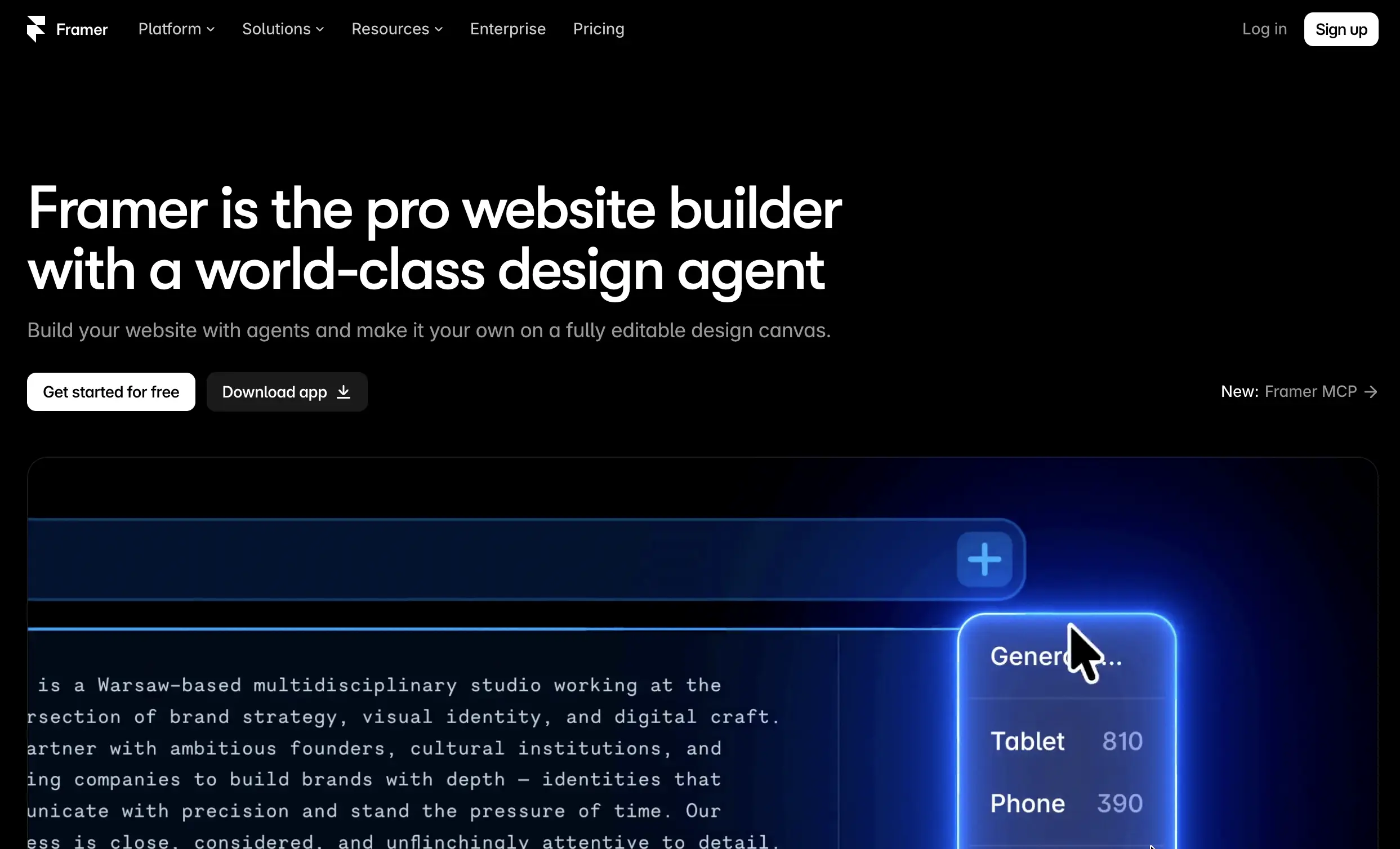
Framer started as a prototyping tool and grew into a full website builder. Its sites are known for loading quickly, and its AI layout tool gives designers a fast starting point to customize. It’s built for good-looking marketing sites rather than stores or service-heavy setups.
Best for: Startups and brands that want a fast, polished marketing site and have design skills on the team.
Standout features:
- Fast page-load performance
- AI layout generation
- Built-in analytics and site search
- A growing template marketplace
Pricing: Paid plans start at $10/mo billed annually. See Framer’s pricing page.
Year-two cost: CMS item limits and bandwidth caps can push growing sites into higher tiers or paid add-ons.
Watch out for: There’s no built-in eCommerce, booking, or email marketing. Chat support is only available on paid plans, and the platform is newer and less proven at scale than the others on this list.
Choosing the best website builder for your small business comes down to your budget, technical skills, and long-term business goals. While platforms like Wix, Squarespace, and Hostinger make it easy to launch a website quickly, Shopify is better suited for businesses focused on online selling. WordPress offers greater flexibility and control, especially for businesses planning to expand their websites with additional features.
Before making a decision, look beyond the introductory pricing and consider renewal costs, transaction fees, integrations, SEO capabilities, and how easily the platform can scale with your business.
The right website builder should not only help you establish an online presence today but also support your business as it grows. Compare your options, take advantage of free trials where available, and choose a platform that fits both your current needs and future plans.


Subcribe to our newsletter