


Share:


Table of Contents
Migrating your WooCommerce store might sound daunting, but it’s simply about securely transferring essential data — products, customers, orders, and more — from one site to another. Done right, it ensures a smooth transition without data loss or disruptions to your customers.
So, why would you need to do this? Well, there are a bunch of common scenarios.
Maybe you’re upgrading your web hosting for better performance, moving your beautifully crafted staging site to go live for the world to see, setting up a complex multisite network, or even rebranding your entire store with a fresh new look.
In all these cases, a smooth WooCommerce data migration is key to a successful transition. And when it comes to making this process easy, efficient, and secure, WebToffee stands out as a reliable solution provider, offering powerful tools to help you seamlessly move your WooCommerce store data.
In this article, we’ll dive into what sets WebToffee apart from the rest and show you just how it can make your migration experience easier and worry-free.
Key Takeaways:
- Whether you’re rebranding, upgrading your hosting, or launching from staging to live, migrating your store data accurately is critical to keeping your business running without interruptions.
- Products, orders, customer details, and custom fields can be tricky to move. That’s why having a tool that’s built for WooCommerce-specific challenges makes all the difference.
- With powerful, user-friendly tools, WebToffee offers a trusted suite of plugins to manage WooCommerce data migration—saving time, reducing risk, and giving you full control over the process.
WebToffee has a robust set of import-export plugins, specifically designed for WooCommerce. These handy tools simplify the process of data migration, whether you’re just shifting a handful of products or moving your entire store.
Let’s take a quick peek at the essential plugins that make this all possible:
1. Import Export Suite for WooCommerce
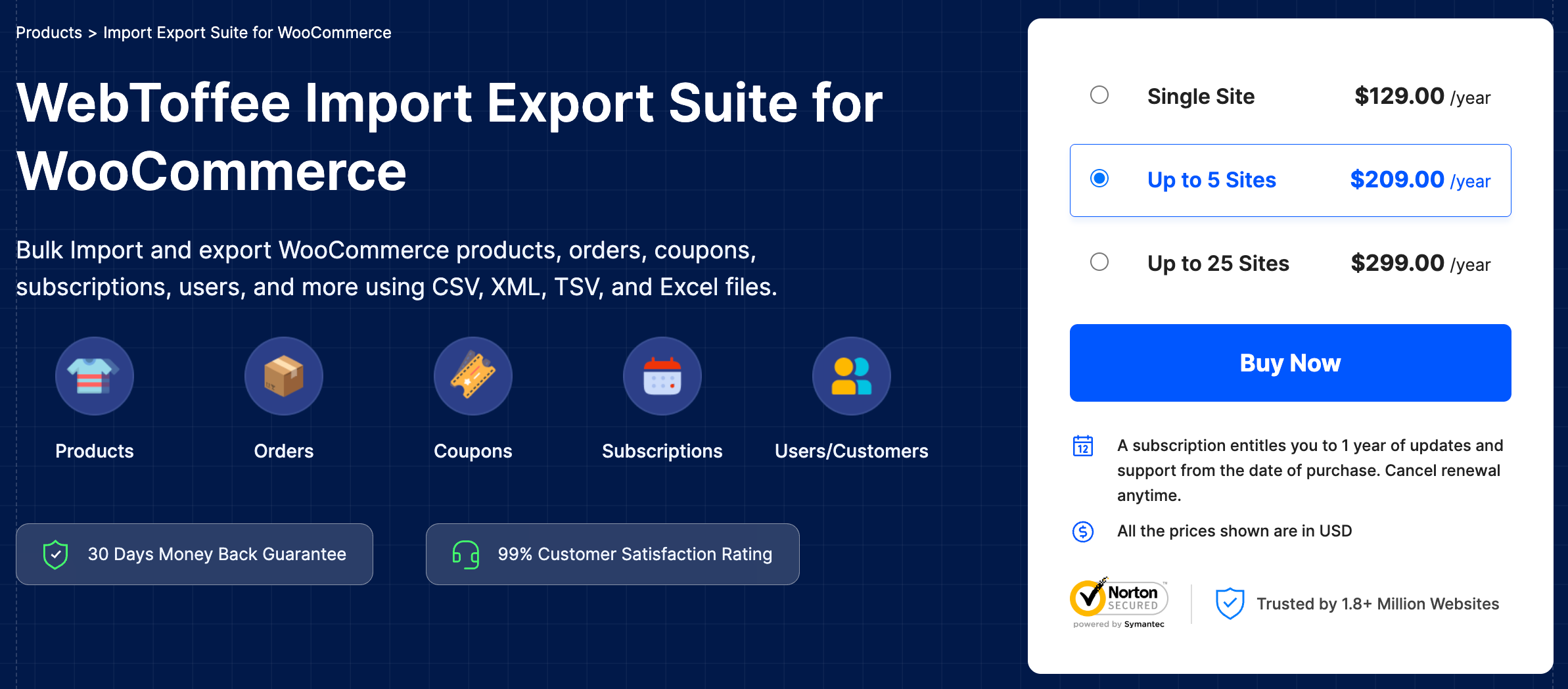
Are you looking to move your entire WooCommerce store without the headache of managing multiple plugins? The WooCommerce Import Export Suite by WebToffee is the perfect all-in-one solution for you. This powerful plugin allows you to export and import all the crucial WooCommerce data you need, all in one convenient place—no extra add-ons, no fuss.
With this complete suite, you can easily manage:
- Products – whether they’re simple, variable, grouped, or external
- Orders, coupons, and subscriptions
- Customers and WordPress users
- Product reviews, categories, tags, and custom attributes
- Images, stock data, pricing, tax information, and metadata
What sets it apart? It’s more than just a plugin—it’s a comprehensive migration toolkit that guarantees accuracy, control, and flexibility for every type of data. Whether you’re launching a new site, syncing a staging store, or keeping regular backups, this suite gives you the power to handle it all quickly, securely, and from a single dashboard.
2. Product Import Export for WooCommerce

Need to move your product catalog from one store to another? The Product Import Export for WooCommerce plugin has you covered. It allows you to export and import products in bulk, including:
- Simple, variable, grouped, and external products
- Product images, categories, tags
- Custom attributes and metadata
- Stock information, prices, and tax settings
Whether you’re launching a new store or syncing a staging site, this tool helps you move products quickly and accurately.
3. Order, Coupon & Subscription Import Export

Migrating sales data? The Order, Coupon & Subscription Import Export for WooCommerce plugin helps you transfer all your:
- Orders with associated customer data, product line items, and payment details
- Coupons including discount rules and usage restrictions
- WooCommerce Subscriptions (if you’re using the Subscriptions plugin by WooCommerce)
It ensures order history and recurring billing details remain intact, which is critical for maintaining customer trust and business continuity.
4. WordPress User & WooCommerce Customer Import Export

Managing thousands of customer records? The WordPress User & WooCommerce Customer Import Export plugin lets you export and import user data, including:
- Customer profiles and account information
- Roles, passwords (hashed for security), and metadata
- Billing and shipping addresses
Ideal for transferring user bases between stores or securely backing up customer data.
Reliable, Scalable, and Flexible
Whether you’re running a small store or managing a large WooCommerce database, WebToffee’s tools are built to handle migrations of all sizes—with options for:
- Bulk processing
- Scheduled imports/exports
- Custom column mapping
- Filtered data transfers
Top Reasons to Choose WebToffee for WooCommerce Data Migration
When it comes to moving your WooCommerce store, WebToffee does so much more than just the usual import-export features. Their migration tools are carefully crafted to meet the real needs of online stores, whether you’re running a cozy boutique or a bustling enterprise site.
Here’s what makes WebToffee the top choice for your migration needs:
User-Friendly Interface
One of the biggest strengths of WebToffee plugins is their accessibility. You don’t need to be a developer or database expert to perform complex migrations.
- No coding knowledge required – Everything is designed to work right out of the box.
- Step-by-step wizards – The intuitive interface walks you through each stage, from file selection to data mapping, making the entire process effortless.

Comprehensive Data Coverage
WebToffee tools don’t just migrate products—they cover the entire WooCommerce ecosystem.
- Migrate products, customers, orders, coupons, subscriptions, reviews, and even custom post types.
- Supports product variations, taxonomies, custom attributes, and metadata.
- Handles serialized data and complex relationships between different types of records.
This means you can perform a complete migration without needing multiple tools.

High Performance with Large-Scale Data
Worried about migrating a massive store? WebToffee has performance-optimized features that ensure smooth execution even with large datasets.
- Background processing allows long-running tasks to execute without timing out.
- Batch-based migration helps maintain server stability and avoid memory overload during export/import operations.

This makes it ideal for high-traffic or enterprise-grade WooCommerce sites.
| Without WebToffee | With WebToffee | |
|---|---|---|
| Server Load | High risk of overload | Balanced with batching |
| Migration Time | Long and error-prone | Fast and reliable |
| Timeout/Crashes | Frequent | Handled with background processing |
| Ideal For | Small sites only | Large and high-traffic stores |
Also Read: What is Batch Processing?
Advanced Filtering & Mapping Options

Flexibility is key when migrating between different store setups, and WebToffee delivers exactly that.
- Column mapping lets you align fields between source and destination stores, even if the structures are different.
- Use filters to selectively export/import specific products, orders within a date range, customers by role, and more.

This granular control ensures you only migrate what you need—nothing more, nothing less.
Secure & Reliable

Your data is valuable, and WebToffee ensures it stays safe throughout the migration process.
- Built-in backup and rollback options give you peace of mind before making major changes.
- Error logging and validation help you catch and fix issues before they affect your store.

The result? Fewer disruptions, less downtime, and total confidence in your migration.
Support for Scheduled & Automated Migrations
Automation can save hours of manual work, especially for stores that update frequently.
- Cron job support allows you to set up scheduled imports/exports.
- Perfect for regular syncs between staging and live environments, or for automating data backups.
You can set it, forget it, and trust that your data will stay in sync.

Top-Rated Support & Documentation
When it comes to managing store data, having the right tools is just half the equation—what truly makes a plugin stand out is the quality of support and documentation behind it. WebToffee excels in this area, offering WooCommerce users the peace of mind that help is always just a click away.
Exceptional Customer Support
WebToffee provides timely support to assist users across different time zones. Whether you’re troubleshooting an import error or seeking advice on mapping product fields, their responsive team is ready to help.
- Fast response times through email and support tickets
- Friendly and knowledgeable support agents who understand WooCommerce deeply
- Hands-on assistance with everything from setup to custom configurations
Rich Documentation & Tutorials
WebToffee maintains a comprehensive knowledge base filled with step-by-step guides and FAQs, making it easy to find answers and learn how to use each feature effectively.
- Detailed user documentation for every plugin feature
- How-to tutorials for common scenarios like syncing staging to live or importing subscription data
- Coverage for both basic and advanced use cases—perfect for beginners and pros alike
Regular Updates
WebToffee’s commitment doesn’t end with customer support. They also foster an active ecosystem through:
- Frequent plugin updates with new features and compatibility fixes
- Listening to user feedback to continuously improve functionality
Thousands of store owners across the globe have trusted WebToffee’s import-export tools to make WooCommerce data migration seamless, secure, and stress-free. Whether it’s replatforming, managing a multisite network, or syncing staging and live environments, WebToffee has delivered time and again.
Here is one such example that show what’s possible:
Centralized Product Sync Across Multiple Regional Stores
Customer: Perties
Region: Slovakia, Czechia, Hungary (multi-storefront setup)
Use Case: Multi-store product catalog synchronization
Challenge: The team faced the challenge of manually replicating every product addition or update from the primary site to all other stores, leading to tedious, repetitive workflows, increased risk of human error, and growing inefficiencies as the product catalog expanded.
Solution: To address this, the team adopted WebToffee’s Import Export Suite for WooCommerce, which enabled seamless import/export of product data across their network of storefronts. The suite allowed them to:
- Export products from the base store and import them into other stores effortlessly
- Maintain consistent product data, pricing, and taxonomy
- Save time and reduce risk by eliminating manual updates
Want to learn more? Discover how Perties streamlined multi-store product management across regions using the WebToffee Import Export Suite in our detailed customer success story.
Migrating a WooCommerce store doesn’t have to be risky, time-consuming, or technical—and with WebToffee, it isn’t. From importing thousands of products to syncing orders, customers, coupons, and custom metadata, WebToffee provides a powerful yet user-friendly toolkit designed to handle real-world migration challenges with ease.
What truly sets WebToffee apart is its focus on reliability, flexibility, and support.
No matter the size or complexity of your store, whether you’re switching platforms from Shopify to WooCommerce, syncing staging and production, or managing a multisite setup—WebToffee empowers you to migrate with accuracy and peace of mind.


Subcribe to our newsletter


