


With WebToffee’s WooCommerce PDF Invoices, Packing Slips, and Credit Notes plugin, exporting plugin settings allows users to create a backup of their configurations, facilitating easy migration and sharing. Using the debug module, users can export the general plugin settings, document type settings, and templates as a JSON file. To export the plugin settings:
- Activate the Debug module
- Export settings as a JSON file
Step 1: Activate the Debug module
To activate the debug module:
- Navigate to Invoices/Packing > General Settings
- Append ‘&debug‘ to the general settings URL as shown below.

- Refresh the page.
The debug module will appear as a new tab as shown below:

Step 2: Export settings as a JSON file
To export settings:
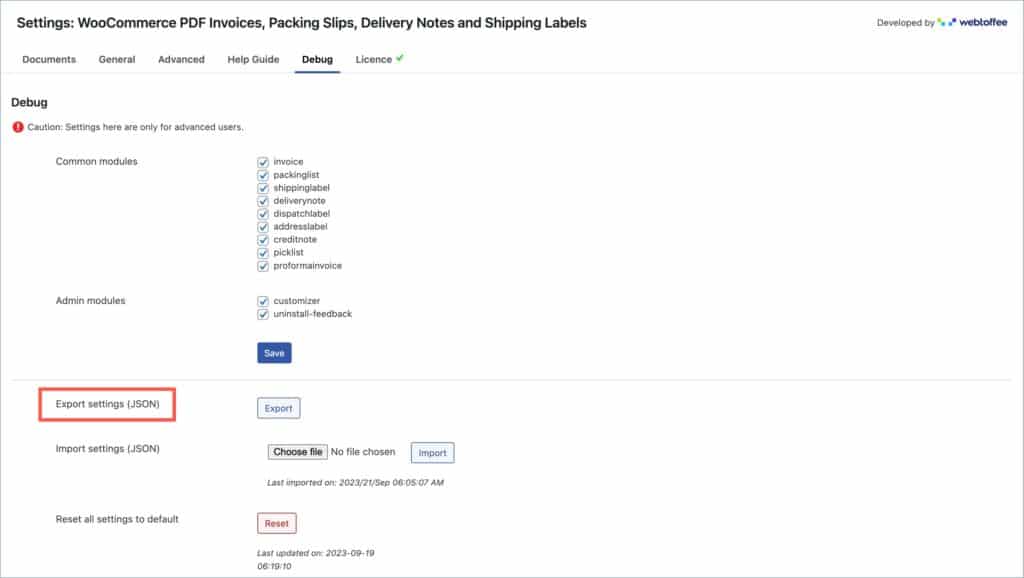
- Navigate to the newly created Debug tab.
- Under the Debug tab, head to Export settings (JSON).
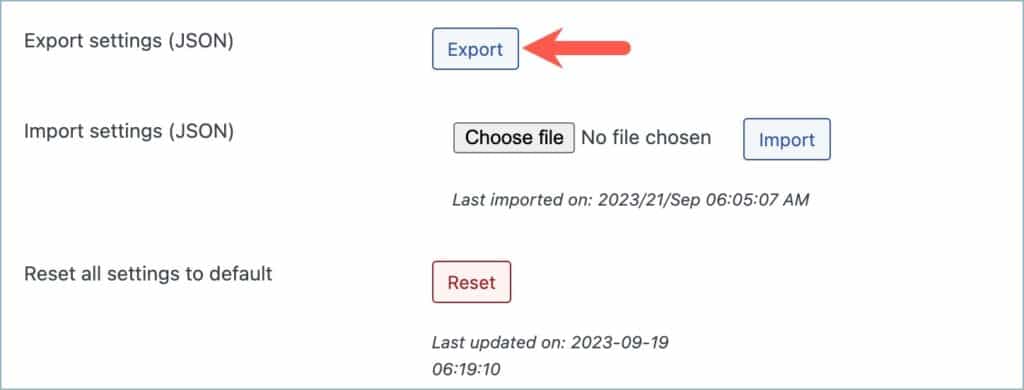
- Click on Export to initiate the export process.
The plugin settings will be downloaded in the form of a JSON file.
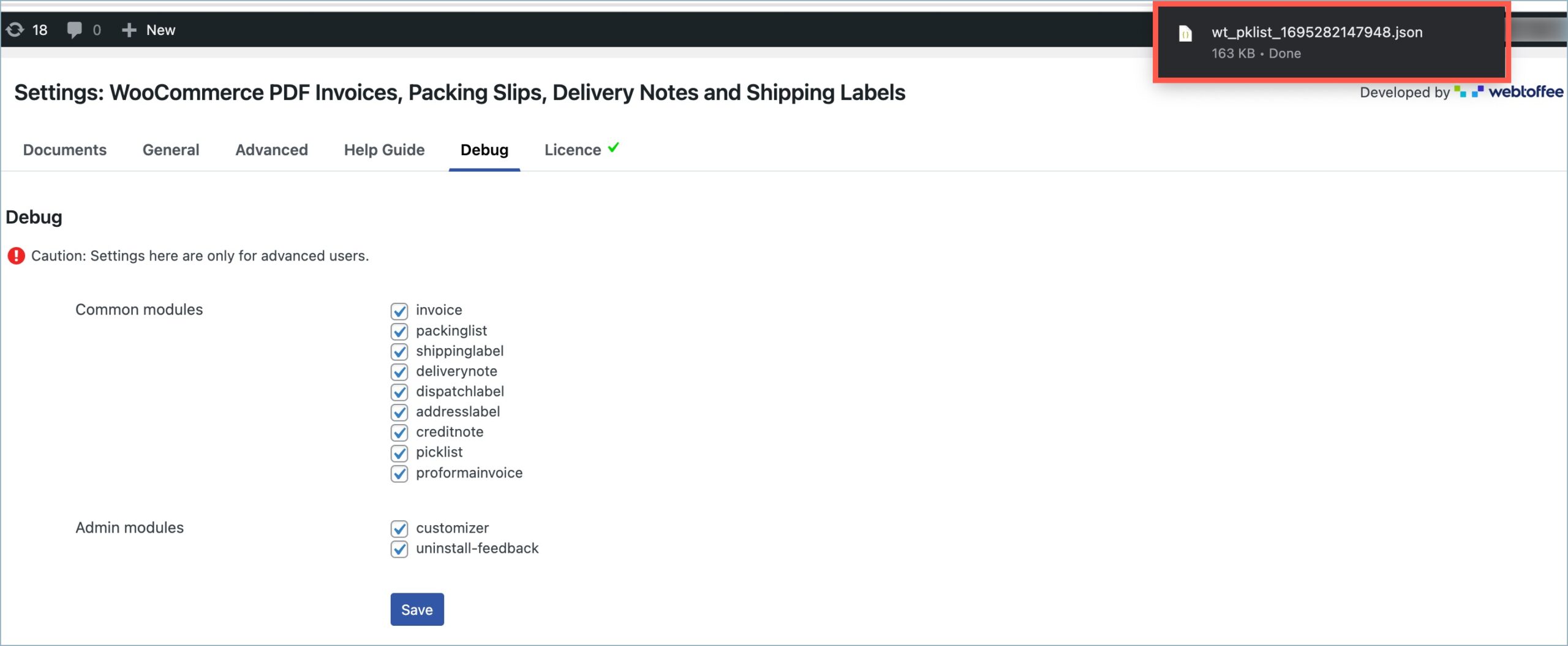
The generated JSON file will include the general plugin settings, configurations, and settings of all the document types within the plugin.
