The WebToffee URL coupon for WooCommerce plugin allows you to hide the standard coupon entry field from your Cart and Checkout pages. To enable this, navigate to WooCommerce > Settings > General and locate the ‘Hide coupon code field’ section. By checking the boxes to hide the field in the cart and at checkout, you can create a cleaner shopping experience and ensure customers apply discounts only through your specific URL links or QR codes.
Hide coupon field
- From the WordPress admin dashboard, navigate to WooCommerce > Settings > General.
- In the Hide coupon code field section, enable the options Hide in cart page and Hide in checkout page as shown below.

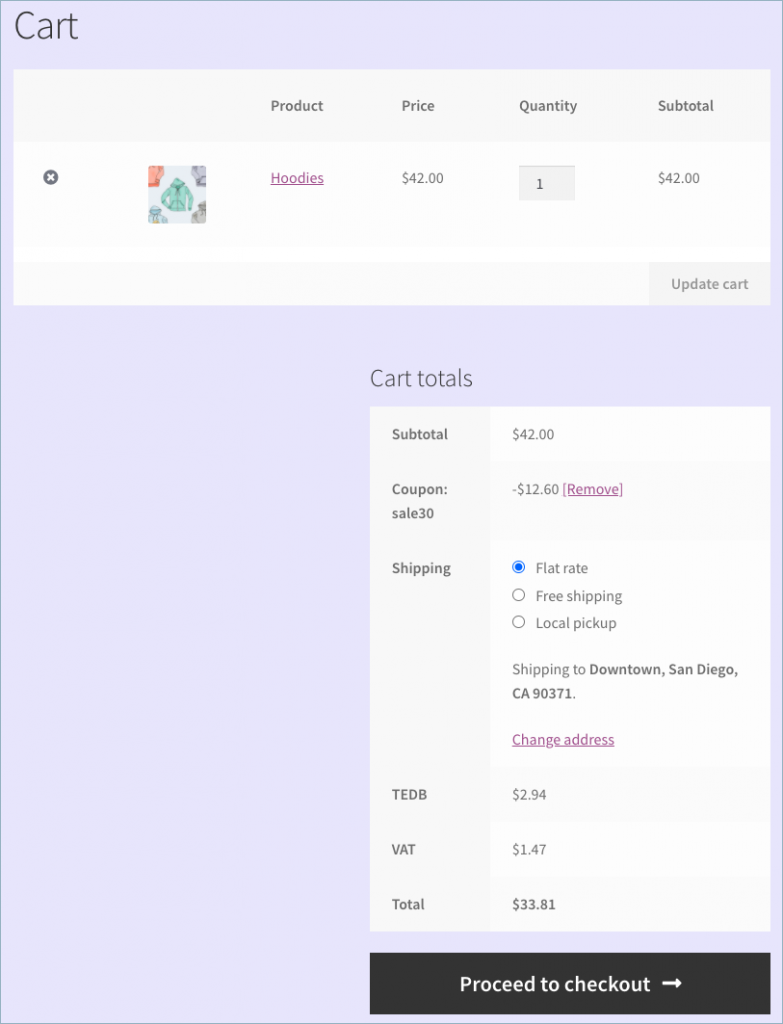
Now, the Apply coupon field won’t be available on the cart page and checkout page.
A sample cart page without a coupon code entry field is shown below: