WebToffee’s WooCommerce PDF Invoices, Packing Slips, Delivery Notes, and Shipping Labels plugin is your all-in-one solution for all your WooCommerce document needs. This plugin allows store owners to effortlessly generate and print invoices, packing slips, delivery notes, dispatch labels, and shipping labels for their WooCommerce store. Whenever a store owner updates the company address, address details, or other settings within the plugin, these are automatically reflected in future documents. But what about the documents that were generated earlier? This plugin allows store owners to update older invoices with the latest settings. Let’s explore this further in the article.
Applying the latest settings to older invoices
Here are the detailed steps for the same:
- Navigate to Invoice/Packing > Invoice > General from the WordPress dashboard.
- Scroll down to the Others section and enable the “Use latest settings for invoice” option. By default, the option is enabled.

- Finally, click on Update Settings to reflect the changes.
The older WooCommerce invoices will now have the latest settings applied.
Use case
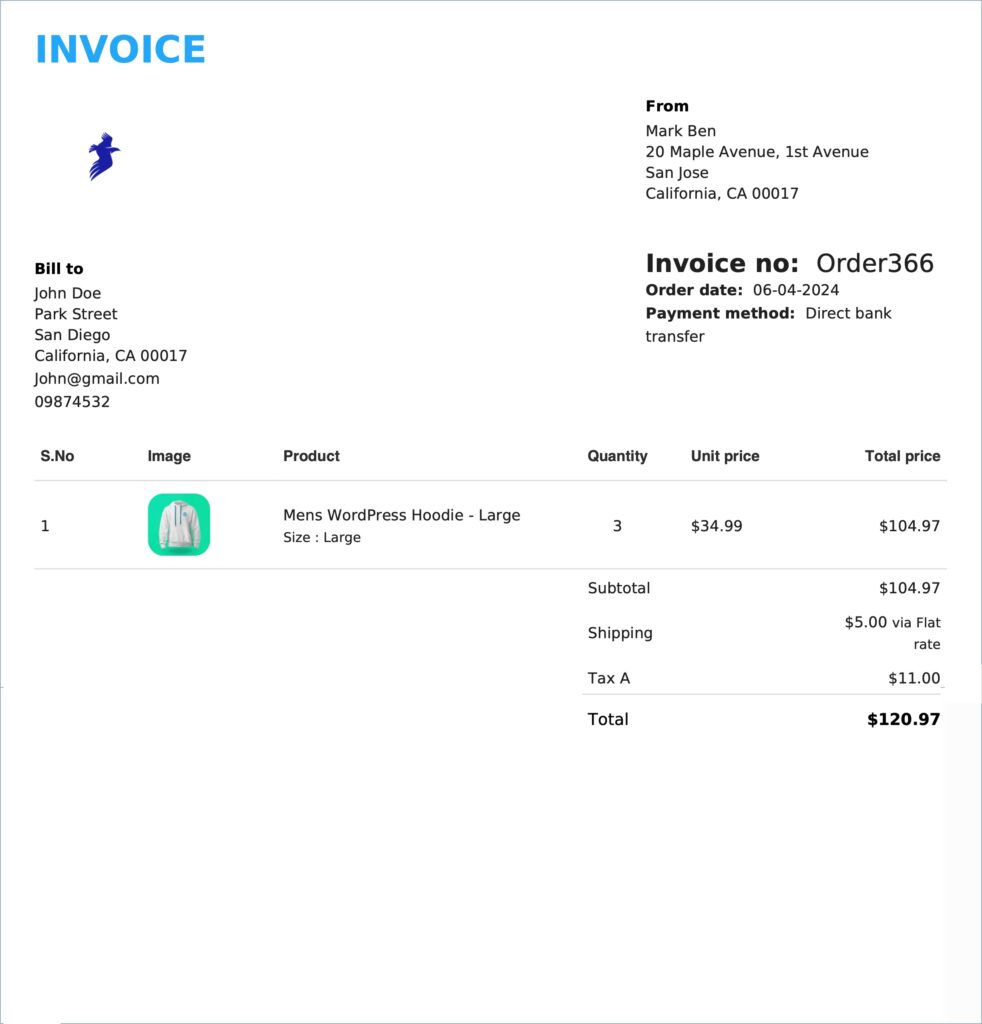
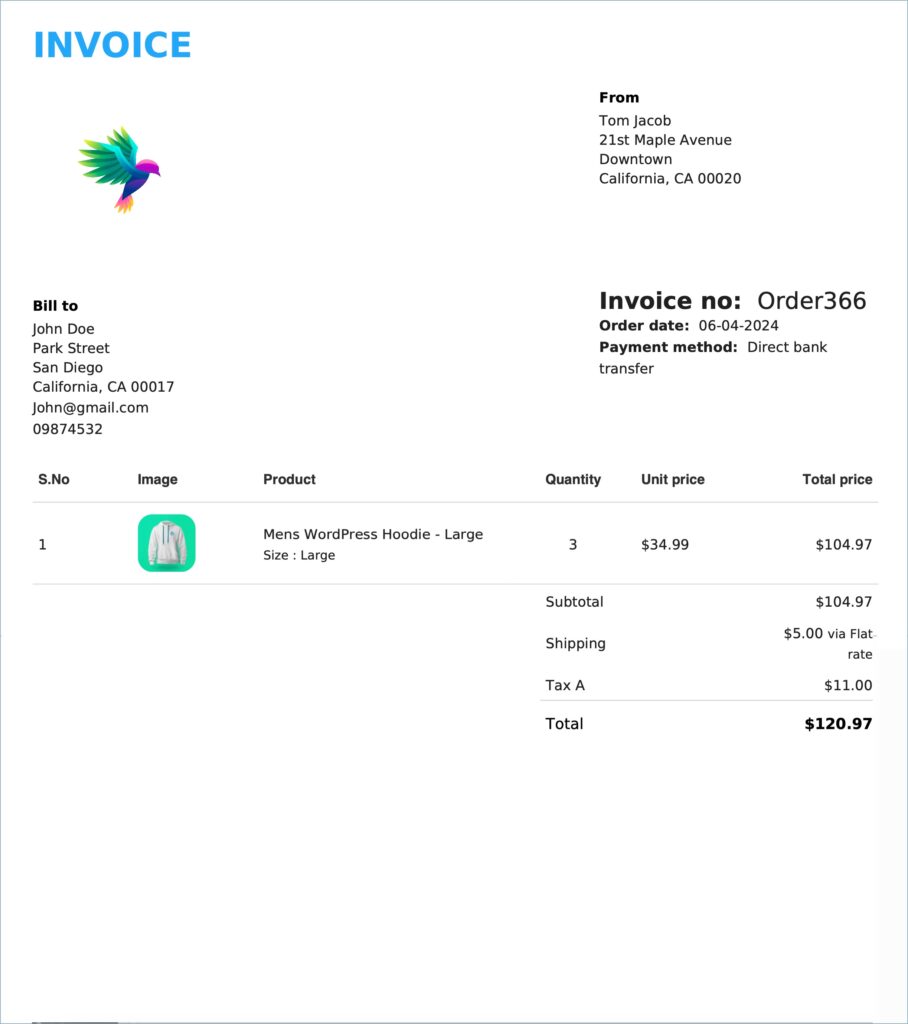
The store owner generated the first invoice before enabling the “Use latest settings for invoice” option. The store owner then changes the “From address” of the store and also adds a custom logo exclusively for invoices. The older invoice remains the same until the store owner enables the “Use latest settings for invoice” option. Once the store owner enables the option and prints the invoice, the changes are reflected in the invoice document, as you can see in the second image.