


The WebToffee Related Products for WooCommerce plugin lets you hide product recommendations for specific items or entire categories when they aren’t needed. To set this up, navigate to WooCommerce > Related Products in your WordPress dashboard. You can use the ‘Hide related products for products’ field to select individual items, or the ‘Hide related products for categories’ field to disable recommendations across broad groups. This gives you full control over your store’s layout, ensuring that suggestions appear only where they add value to customers.
Hide recommendations for selected products
- Under Hide related products for products, Select the products you would like to hide the related products recommendation.
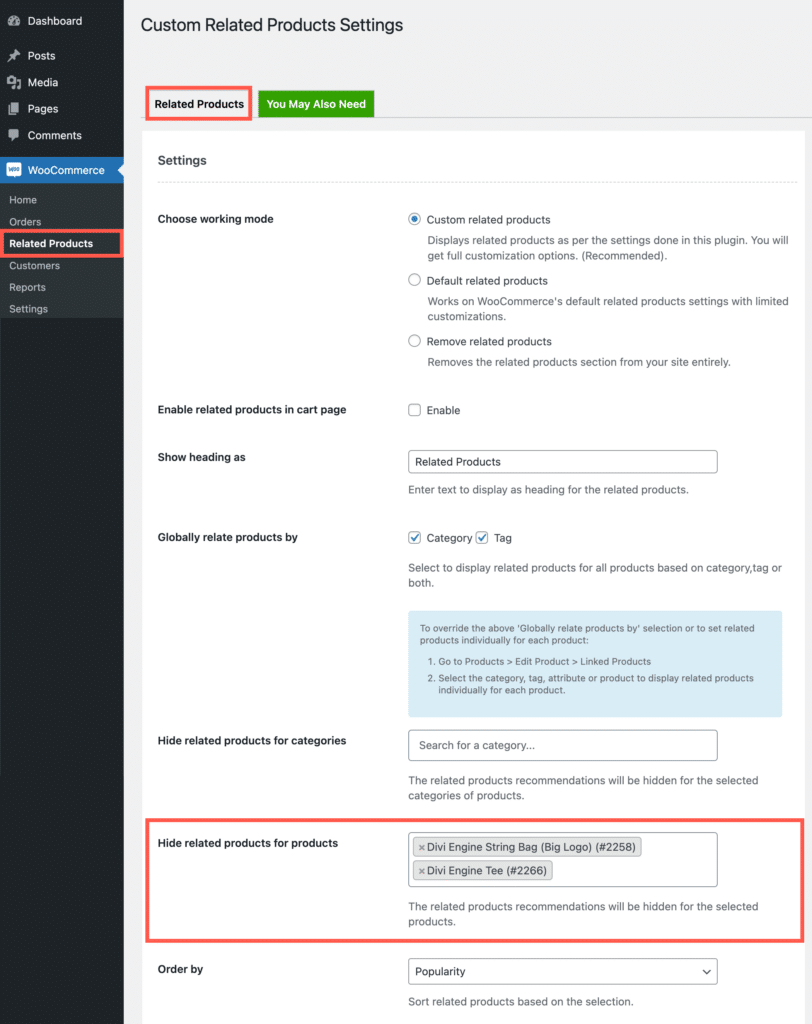
- Once selected, scroll down and click on Save Changes.
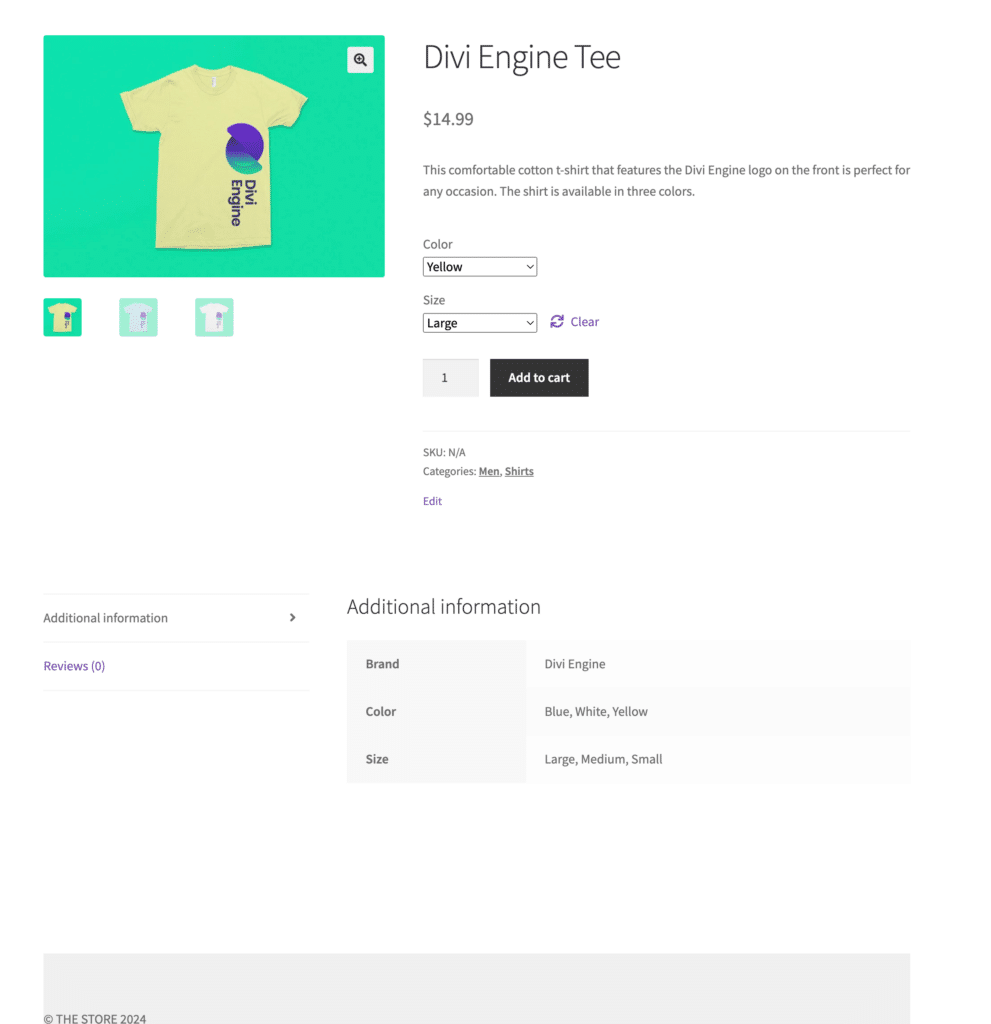
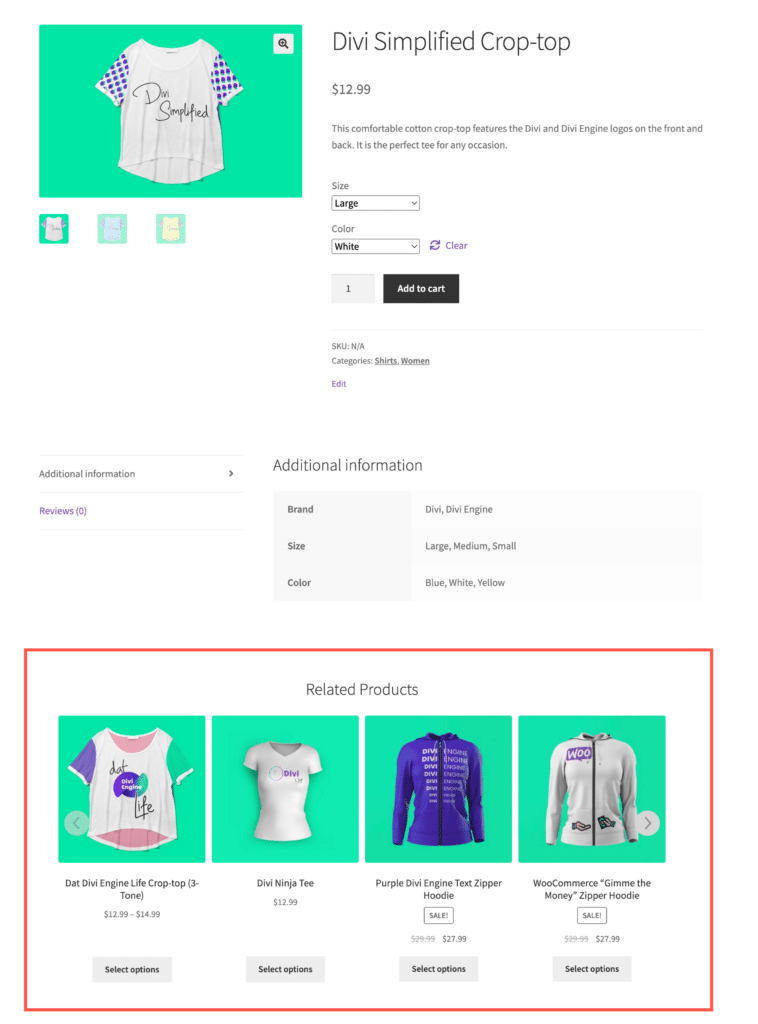
Now the related products section will be hidden for the selected products.
Hide recommendation for selected product categories
- Under Hide related products for categories, select the categories for which you would like to hide the related products recommendation.
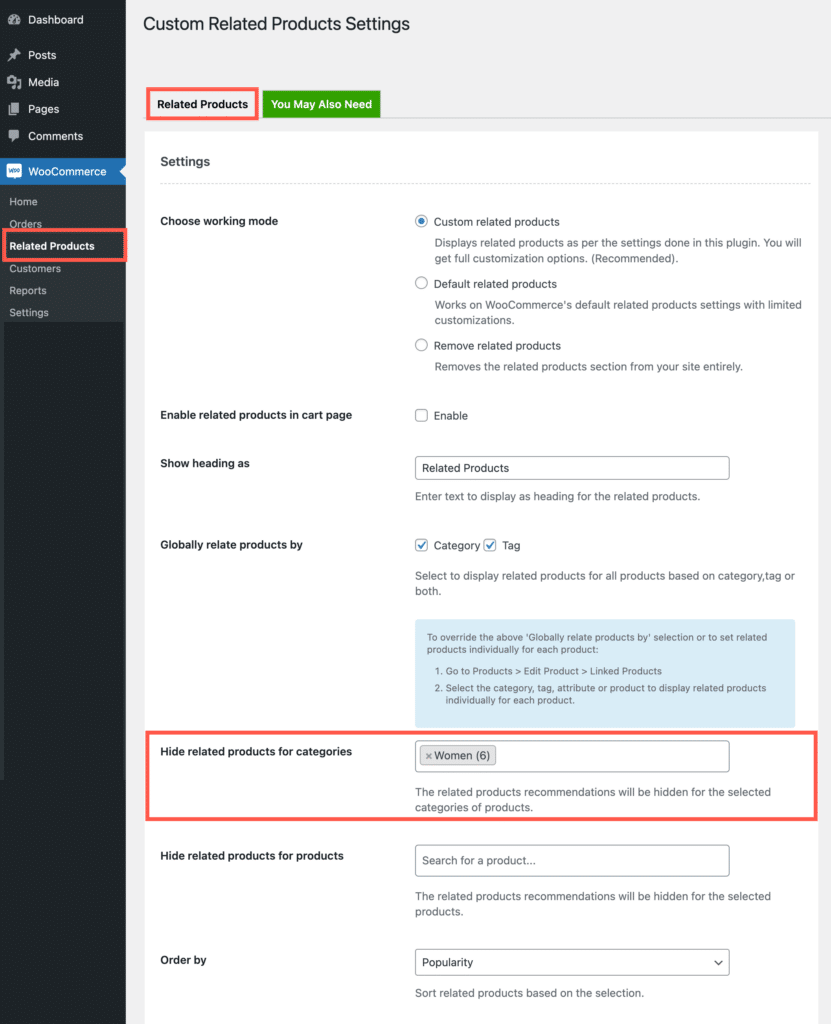
- Once selected, scroll down and click on Save Changes.
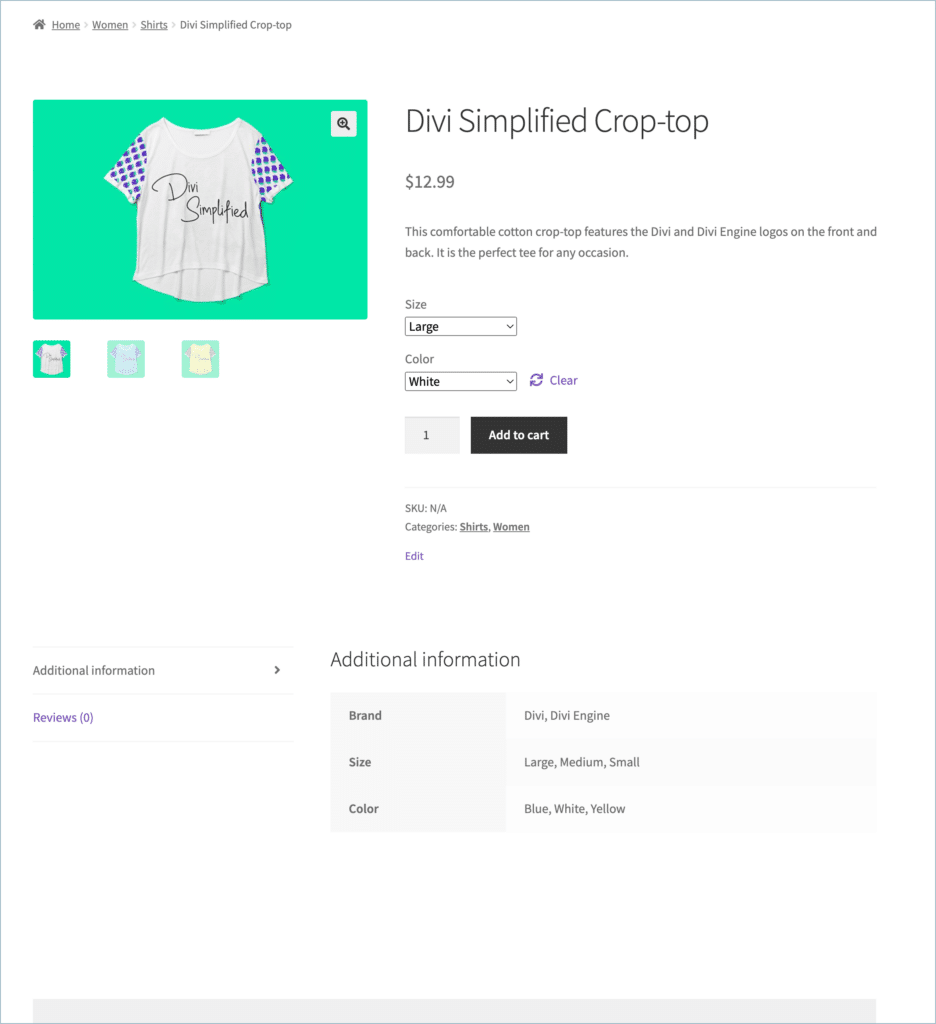
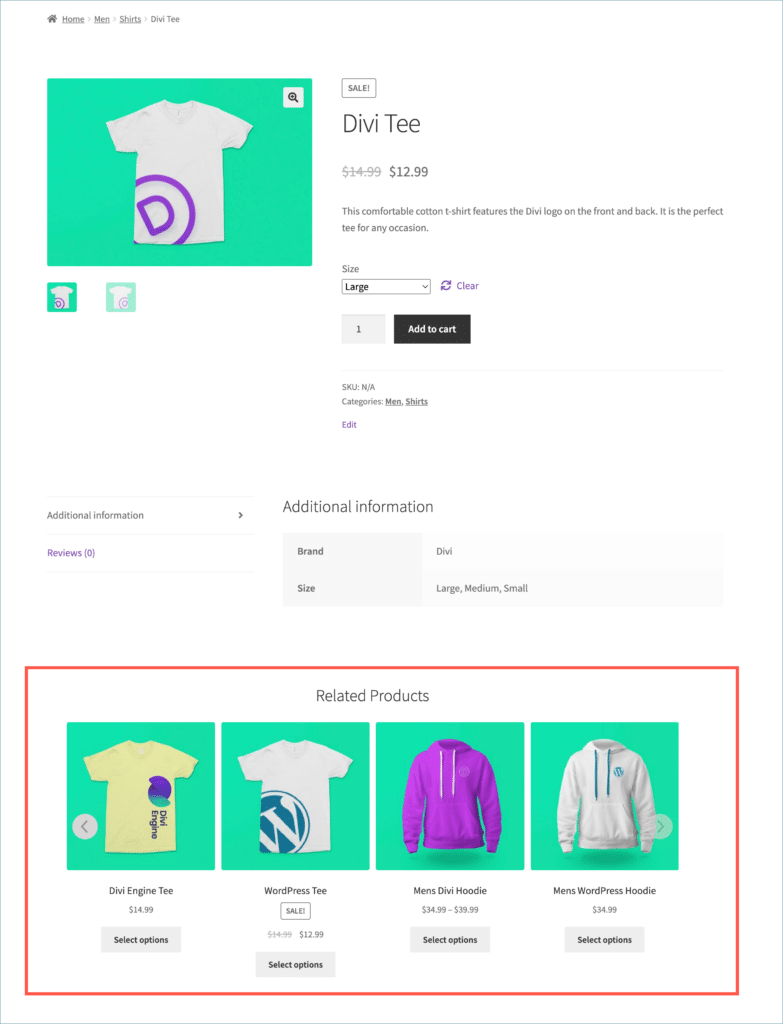
Now, the related products section will be hidden for the selected products.
