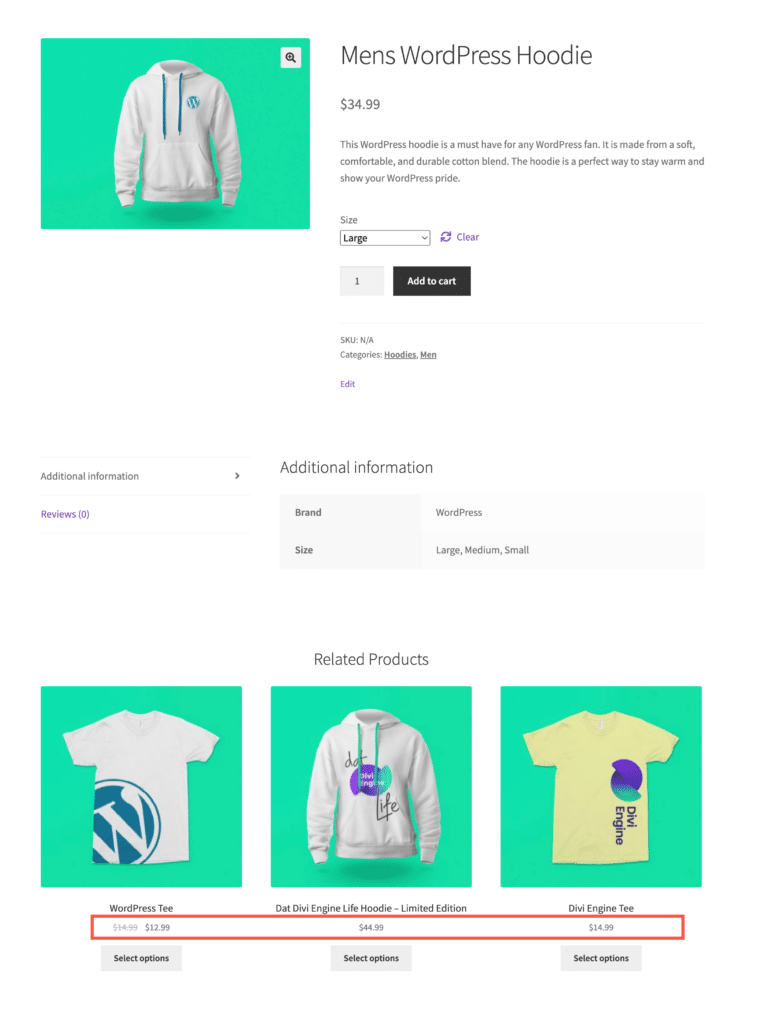
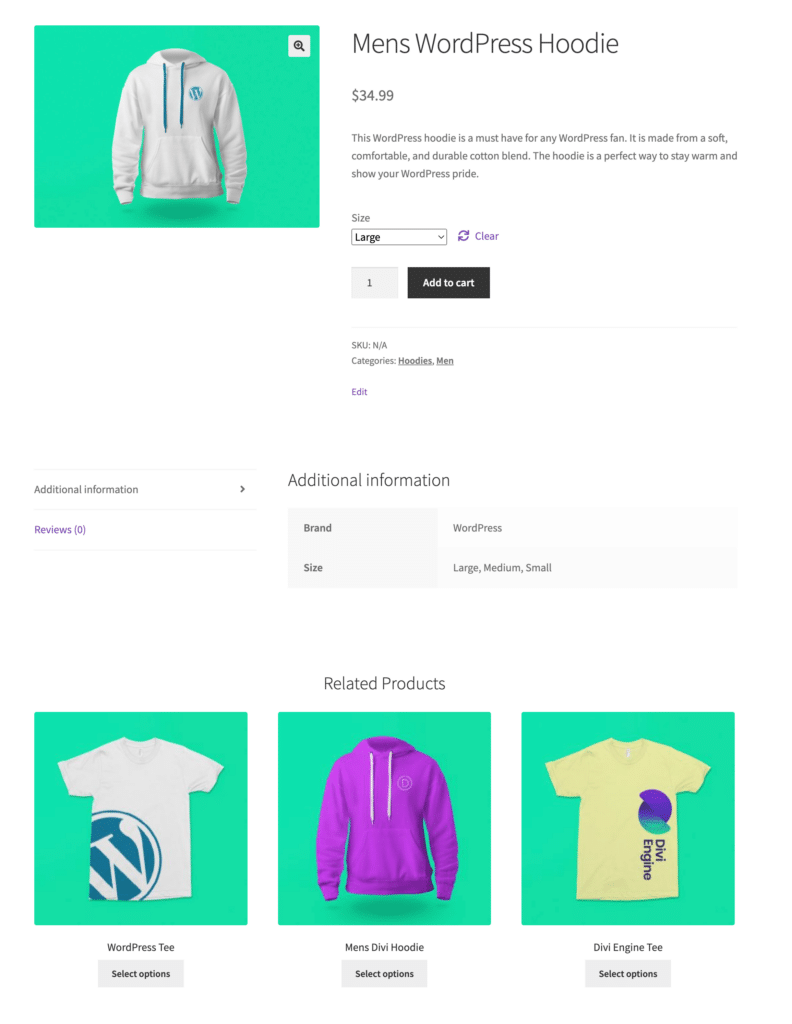
The WebToffee Related Products for WooCommerce plugin allows you to customize the appearance of your recommendations, including hiding price labels. While the plugin offers many settings in the dashboard, removing the price requires a small code snippet added to your theme’s ‘functions.php’ file. Once implemented, your ‘Related Products’ section will still show titles and images but will keep the price hidden, creating a cleaner look for your storefront.
Set up related products
To begin with:
- From the WordPress dashboard, navigate to WooCommerce > Related products.
- Configure the Related product recommendations as you prefer.
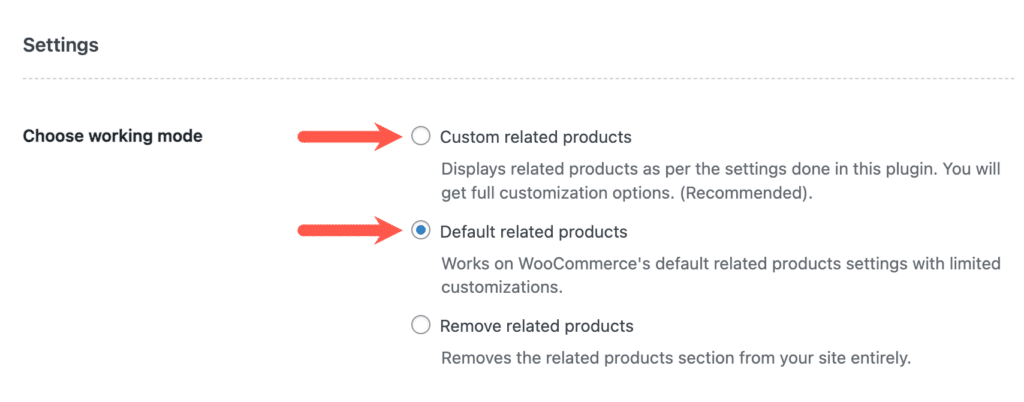
- You can display the default related product recommendation from WooCommerce or customize your own version.
- Save the changes.
Hide price labels from related products
To hide the price labels of related product recommendations on the store, use the code snippet in your theme’s functions.php file. To do so,
- Navigate to Appearance > Theme File Editor > functions.php file from the WordPress dashboard.
- Copy the code snippet provided below.
- Paste the code snippet at the bottom of the functions.php file.
- Save the functions.php file.
- Alternatively, if you can’t find the functions.php file for your theme, use a third-party code snippet plugin to add the custom code snippet.
Code snippet
Once the snippet is added successfully, the related product recommendations in your store will no longer display price labels for the products within those recommendations.