


Column header names in exported CSV files can be modified using the WordPress Users & WooCommerce Customers Import Export plugin during the export process. This allows you to rename fields in the output file based on your requirements.
To modify export column header name:
- Go to WebToffee Import Export (Pro) > Export
- Select the post type as Users/Customers
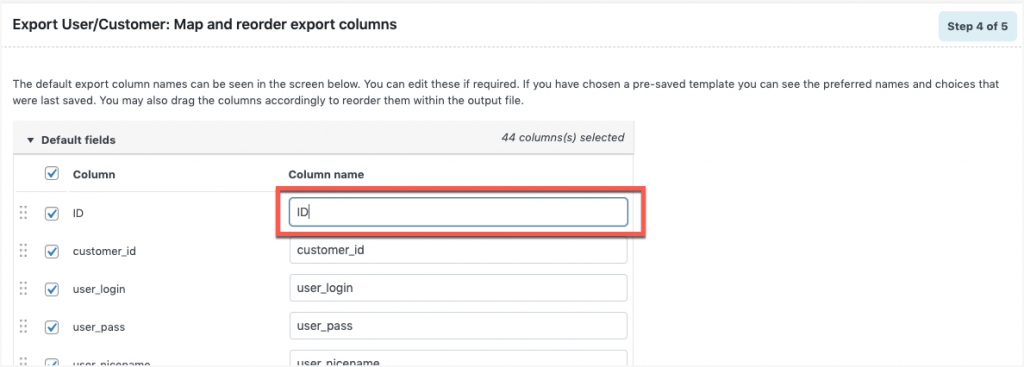
- Proceed with the export until Step 4 (Map and reorder columns)
- Select the required fields (including custom meta if needed)
- Edit the column header name directly in the mapping screen
- Reorder columns if required and proceed to export
For a detailed workflow, refer to How to export users.
Column header name modification
One can directly edit the column name and proceed to next step.
Example: On changing the column name: “ID” to “main_ID“, and the output will be:

Know more about Exporting.
