


There may be instances where a store owner would like to add certain payment options to the quotes and exclude a few. The WebToffee WooCommerce Request a Quote plugin helps store owners achieve this. The steps for the same are as follows:
- Navigate to Quotes > Settings > Quote settings.
- Under the Quotes settings section, click on Customize layout option.
- From the Forms field, select the Preferred payment method you wish to show on quotes.
- Click on Save changes.
Prerequisite
- Payment methods set up/enabled under WooCommerce Payments (WooCommerce > Settings > Payments).
Adding preferred payment methods
All payment methods set up on your WordPress site will be available as payment options in quotes by default. The payment methods will be visible to the customers on the checkout page when they click on the Accept and pay button in the quote email/My account page. To show a particular payment gateway in quotes, follow the below steps:
- From the WordPress dashboard, navigate to Quotes >Settings > Quote Settings.
- Under the Quotes settings tab, click on Customize layout option.

- All available payment methods are listed. Here, select the payment methods that you wish to show on quotes.

- Finally, click Save changes.
Use case
A store owner wishes to show only ‘Direct bank transfer’ and ‘Check payments’ as the payment methods in quotes. So, the store owner follows the above-mentioned steps and selects ‘Direct bank transfer’ and ‘Check payments’ under the Accepted quote payment gateways option. Now, when a customer clicks the Accept and pay button in the quote email/My account page, the system will redirect them to the checkout page where they can view only the selected payment methods.
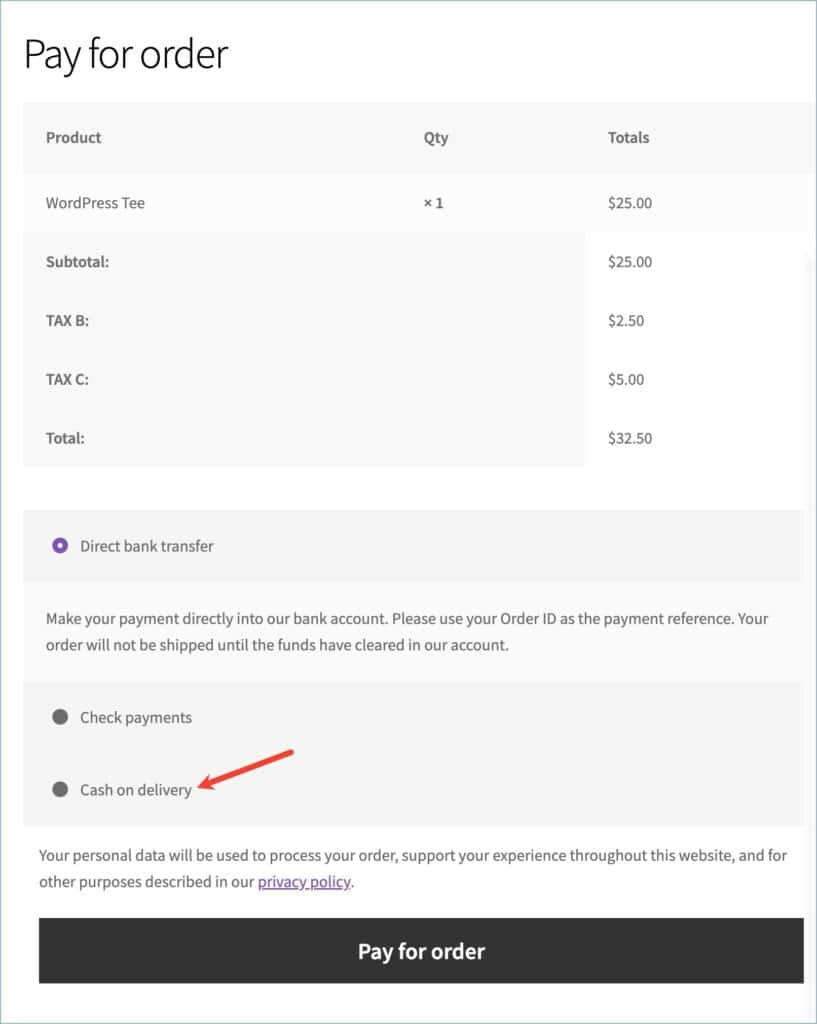
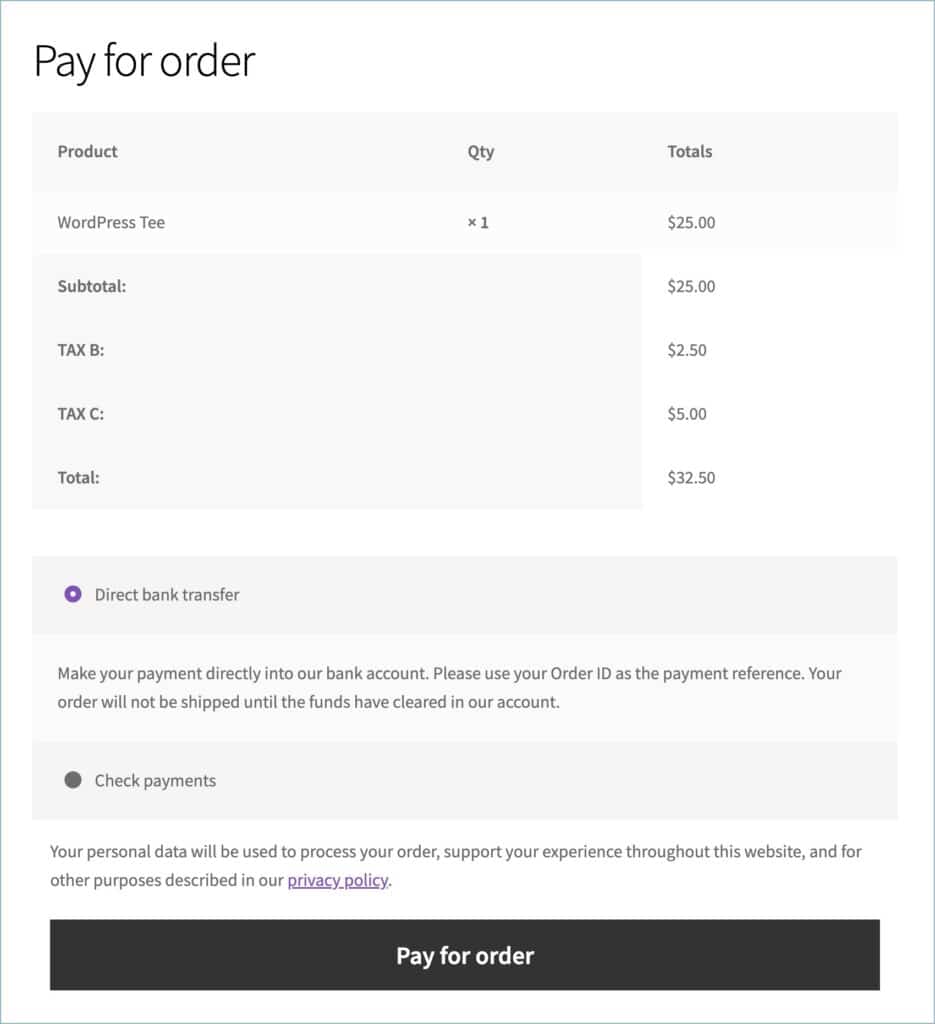
The WebToffee WooCommerce Request a Quote plugin allows store owners to control which payment gateways are available for quote payments. By selecting preferred payment methods under the Accepted Quote Payment Gateways option, admins can display only specific gateways during checkout when customers click “Accept and Pay,” ensuring better control over the quote payment process.

Comment (1)
DR. Smith
January 20, 2026
Helpful explanation of how to control payment options at the quote stage in WooCommerce. The steps are clear and practical, especially for store owners who want more flexibility based on order type. The use case makes it easy to understand how limiting payment methods can simplify the checkout experience for customers.