


With the WebToffee WooCommerce Request a Quote plugin, you can offer customers the option to request a quote for products that are not currently available. This can be a convenient way to keep potential buyers engaged and interested in your products, even when they are temporarily out of stock or on backorder. This can be achieved by adding the “Add to quote” button for the out-of-stock and backorder products alone.
- From the WordPress dashboard, navigate to Quotes > Settings > General.
- In the Show ‘Add to quote’ button for option, select Out of stock products and Backorders.

The below GIF shows an ‘Add to quote’ button on the shop page and a single product page for a product that is out-of-stock.
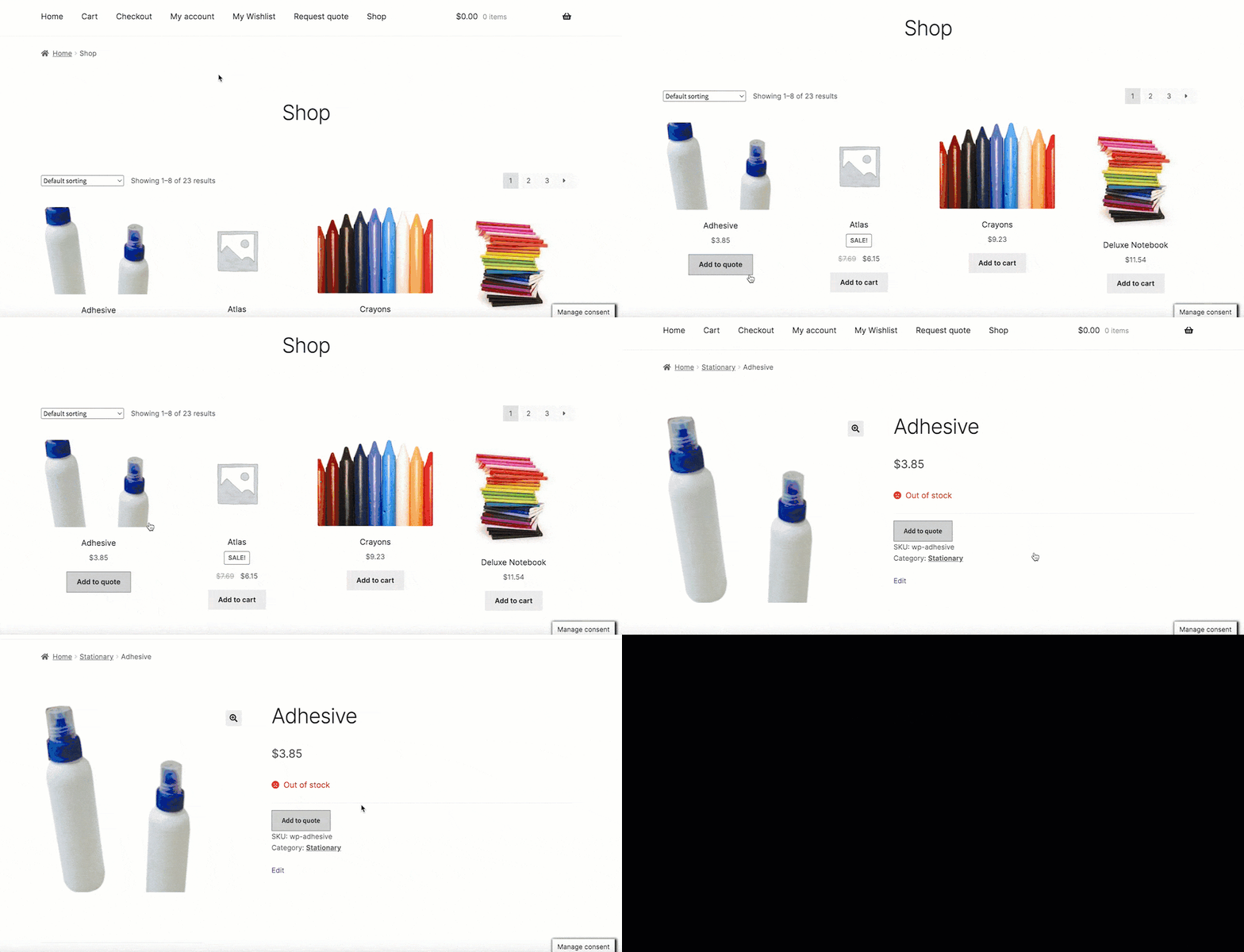
The plugin allows store owners to display the “Add to Quote” button specifically for out-of-stock and backorder products. This keeps customers engaged by enabling them to request quotes even when items are unavailable, helping capture potential sales and maintain customer interest.
