


Using the WebToffee WooCommerce Request a Quote plugin, store owners can easily add an “Ask for quote” button on the cart page. Using this option, customers can place a quote request for the products added to the cart. The “Ask for quote” button will redirect customers to the normal request quote page where they can add the preferred price, remove items from the quote list, change the item quantity, and more. Below are the steps to add an “Ask for Quote” button on the cart page:
- From the WordPress dashboard, navigate to Quotes > Settings > Advanced.
- Head to the “Show ‘Ask for quote’ button on cart” option and enable it by marking the respective checkbox.

- Finally, click on Save changes.
The cart page before and after adding the “Ask for quote” button will look like this:
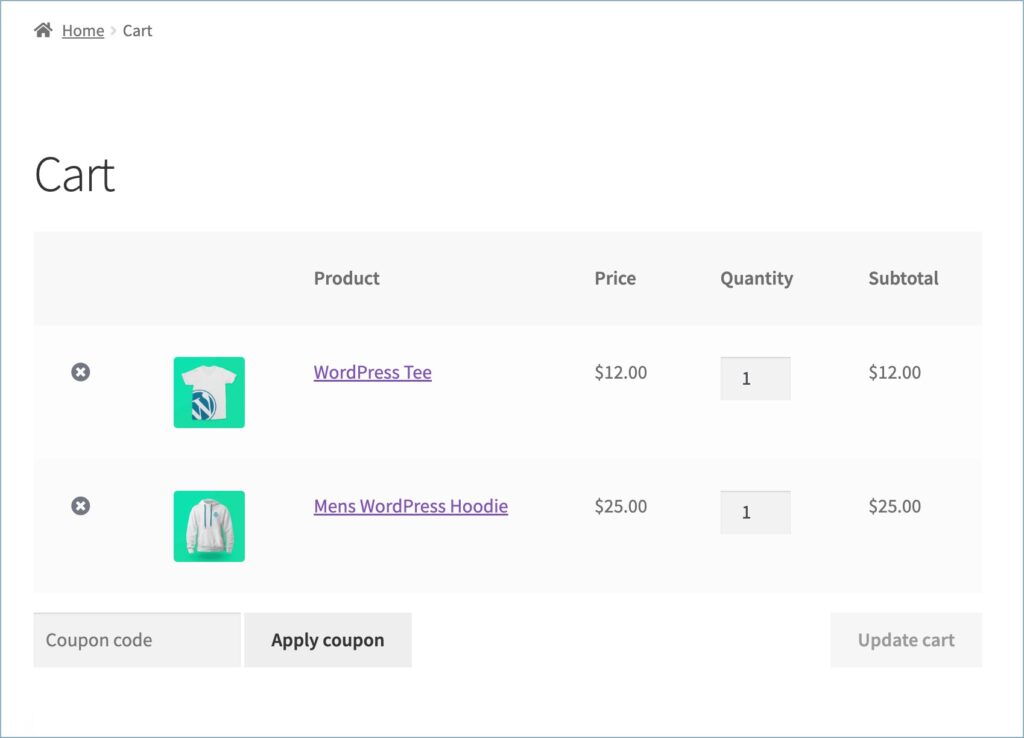
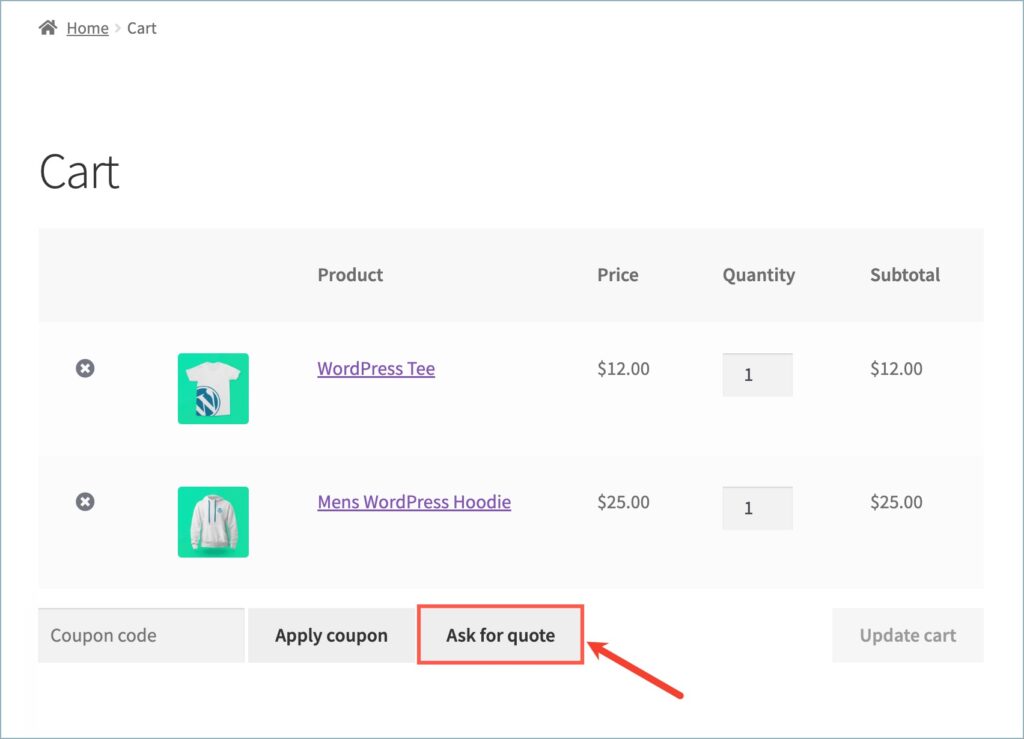
The WebToffee WooCommerce Request a Quote plugin allows store owners to add an “Ask for Quote” button directly to the cart page. When enabled, customers can request a quote for cart items and are redirected to the quote page to modify quantities, remove products, and submit their preferred price, making the quoting process more convenient and streamlined.
