


The Order, Coupon, Subscription Export Import for WooCommerce plugin helps you to automate all your export and import activities related to orders, coupons, and subscriptions via FTP profiles and schedules. By configuring the FTP connection details in the plugin’s General Settings, files can be uploaded to or downloaded from a remote server during scheduled operations. To initiate the plugin, download, install, and activate it.
Create an FTP profile
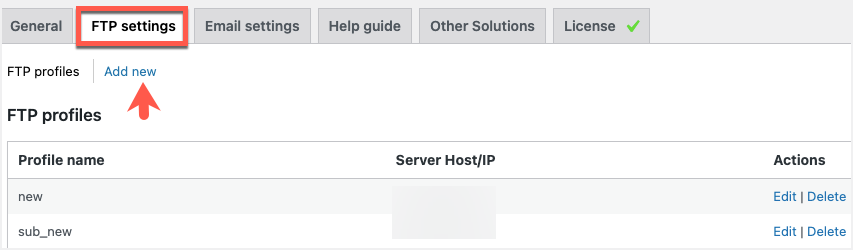
- Navigate through WebToffee import/Export (Pro)> General Settings> FTP settings.
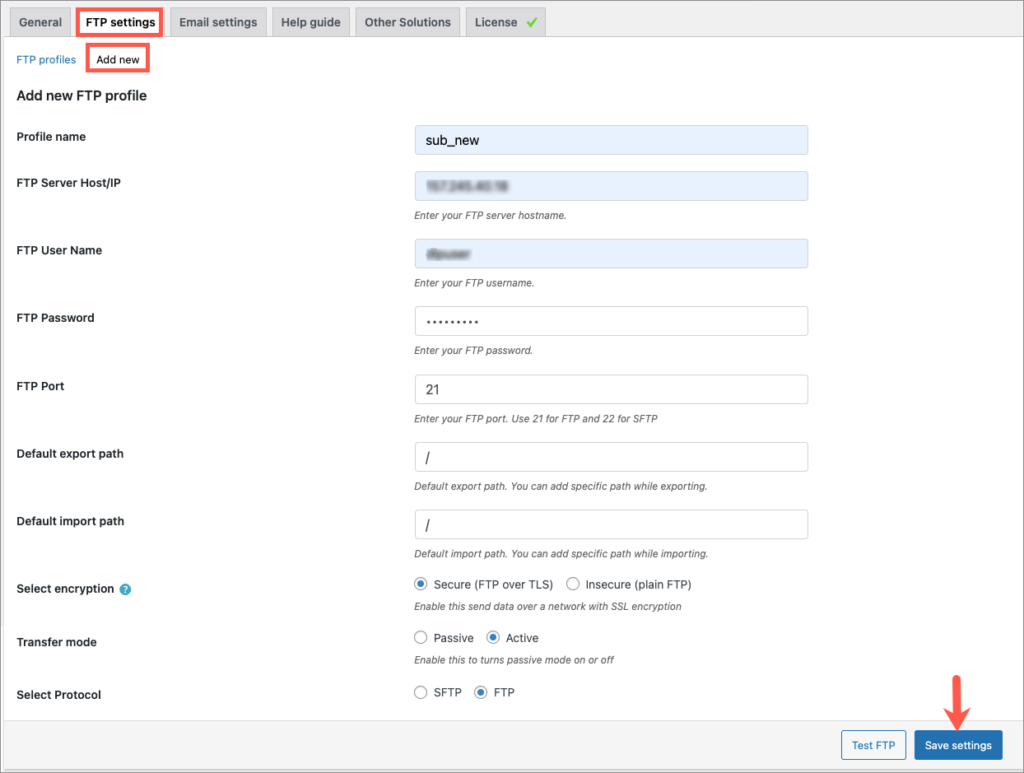
- Click on Add new and fill in the details.
- Click on Test FTP and Save settings.
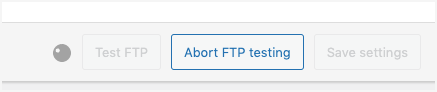
- There is a provision to Abort FTP testing if needed.
- One can Edit and Delete the profiles under FTP profiles.
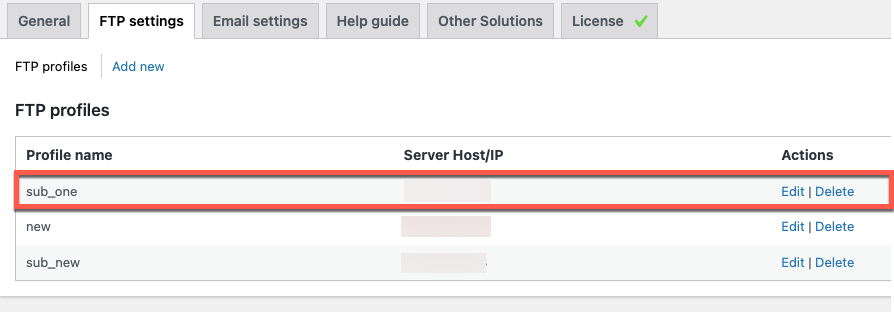
This FTP profile can be used for various export and import operations.
