


Customer email notifications can be triggered during order import in WooCommerce by enabling the Email customer on order status change option in the Advanced import settings of the Order, Coupon, Subscription Import Export plugin. This sends an automatic email to customers when their order status is updated during import.
In this article, you’ll learn how to enable this option and complete the import process step by step.
Steps to send email to customers on order status change
- Initiate by installing and activating the plugin.
- From the WordPress admin panel, navigate to the menu WebToffee Import Export (Pro).
- Click on Import and specify the post type as Order.
- Follow the steps in How to Import Orders until you reach the Advanced options/Batch import/Scheduling step.
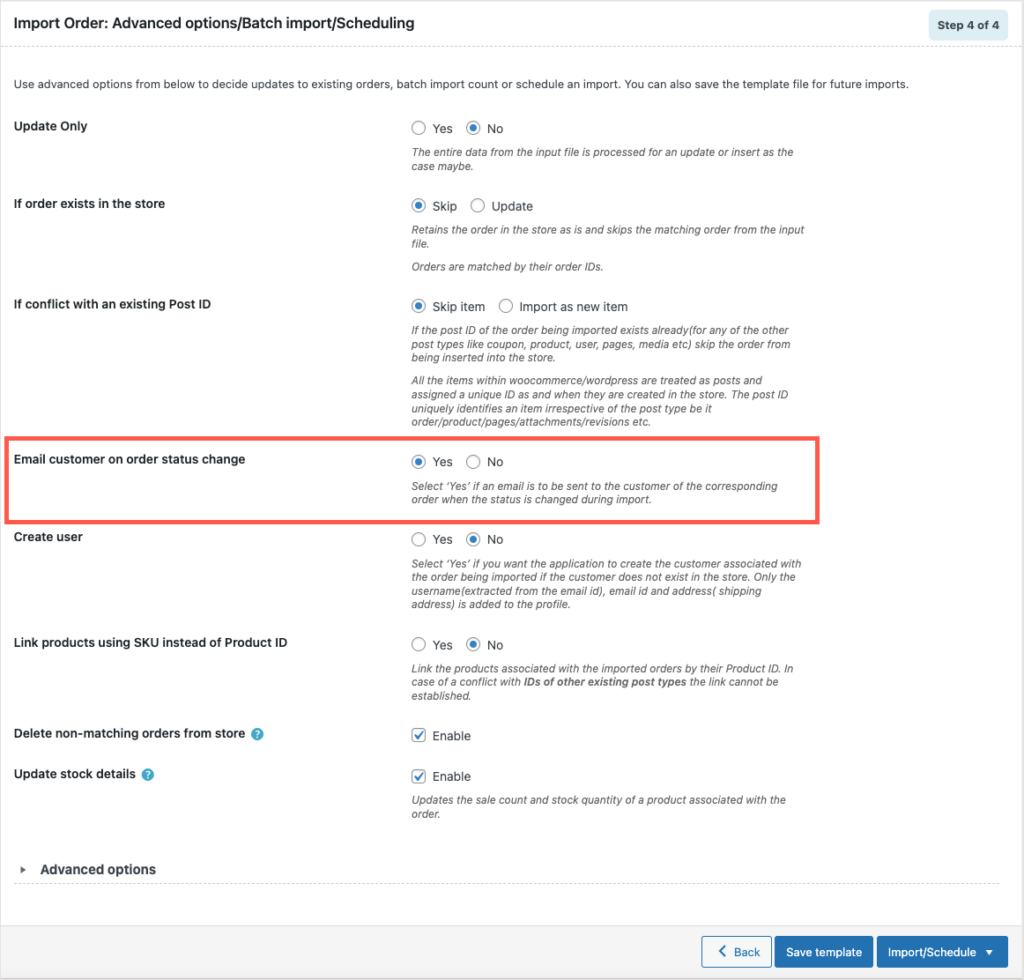
- In this step, you can select Yes for the option Email customer on order status change.
- Click on Import to finish.
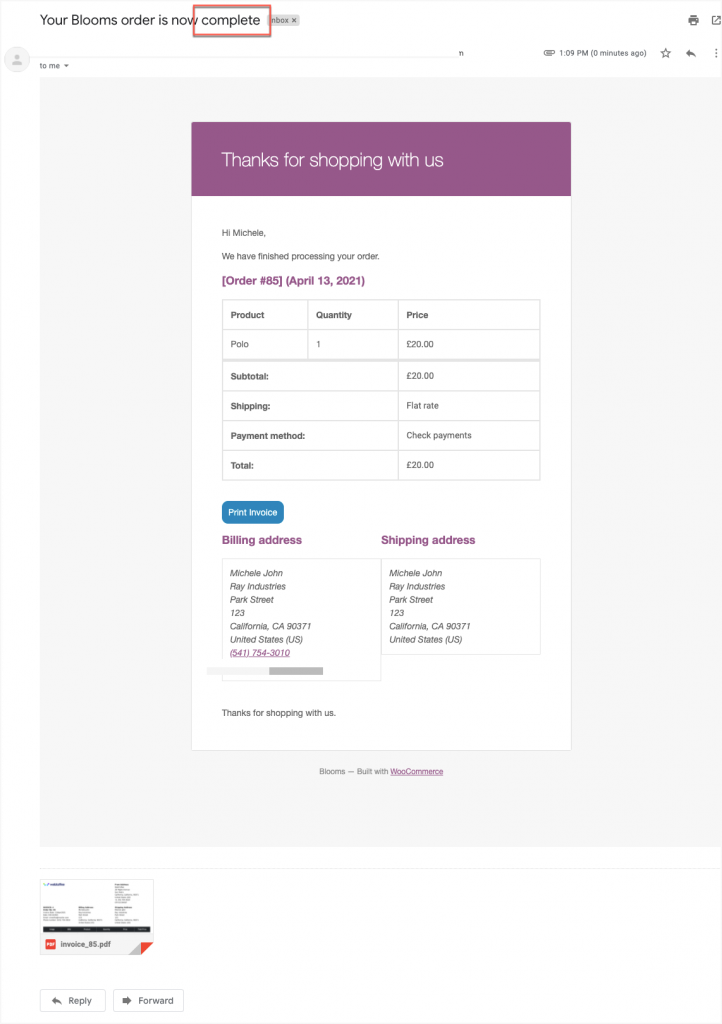
Along with the successful import, an email will be sent to concerned customers notifying about the order status change.

Comments (2)
nabeel Jaleel
May 3, 2020
Hi everyone
please any one
can help me
I want change font size of shipping address details to 16 px instead of 14 px ???
I can change label size only ! but i want change shipping address details too ?
can help me please ?
Rwgards
Mark
May 4, 2020
Please submit a ticket here with your order number and requirement details.