


Import and export operations in WooCommerce are processed in batches, and you can modify the default import and export batch count to control how many records are processed in each batch.
Steps to modify batch count
- From the Dashboard, go to
WebToffee Import Export (Pro) > General settings > General. - The General tab displays the setting to adjust batch count.
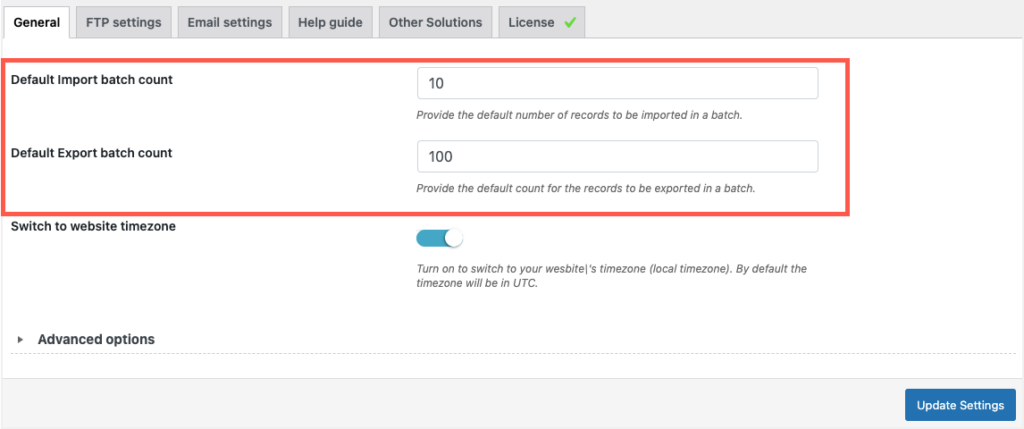
Here, you can modify the following:
- Default Import batch count – The default number of records to be imported in a batch.
- Default Export batch count – The default number of records to be exported in a batch.
Batch Size and Performance
- For import, the batch count is limited to 50. This prevents the server timeout issue that is caused when processing numerous records.
- For export, the batch count is limited to 200. This prevents the server timeout issue that is caused when processing numerous records.
Larger batch sizes process more records per request, which may increase the chance of server timeout on low-resource servers. Reducing the batch size can help avoid timeout issues during large imports or exports.
