


External or affiliate products can be imported into WooCommerce using the Product Import Export Plugin for WooCommerce by preparing a CSV file with the required fields and importing it as Product data. This allows you to bulk-import products that link to external sites, such as Amazon. To import external/affiliate products:
- Select the post type as Product.
- Select an import method.
- Map the import columns.
- Use advanced options/ batch import and scheduling options.
- Click on Import to finish.
Import external products
The columns relevant to the import of external products are the following:
- product_url: Link the URL of the external product of another site in this column.
- tax:product_type: Key in the product type as external.
- button_text(optional): You can enter any button text here like Buy on Amazon which makes the customer get redirected to another site. This is optional and can be left blank to leave it as it is.

As a first step, install and activate the product import export plugin.
Click on WebToffee Import Export (Pro) > Import menu from the WordPress admin panel.
- Select Product under post type.

- Select an import method: One can choose among: Quick import, Pre-saved template and Advanced import.

- Map import columns: To map import columns. Here, you can map the commercial names to WooCommerce columns. Use Evaluation Field to fix/update the required value for a particular field.

- Advanced Options/Batch Import: Provides advanced options to import and scheduling import.


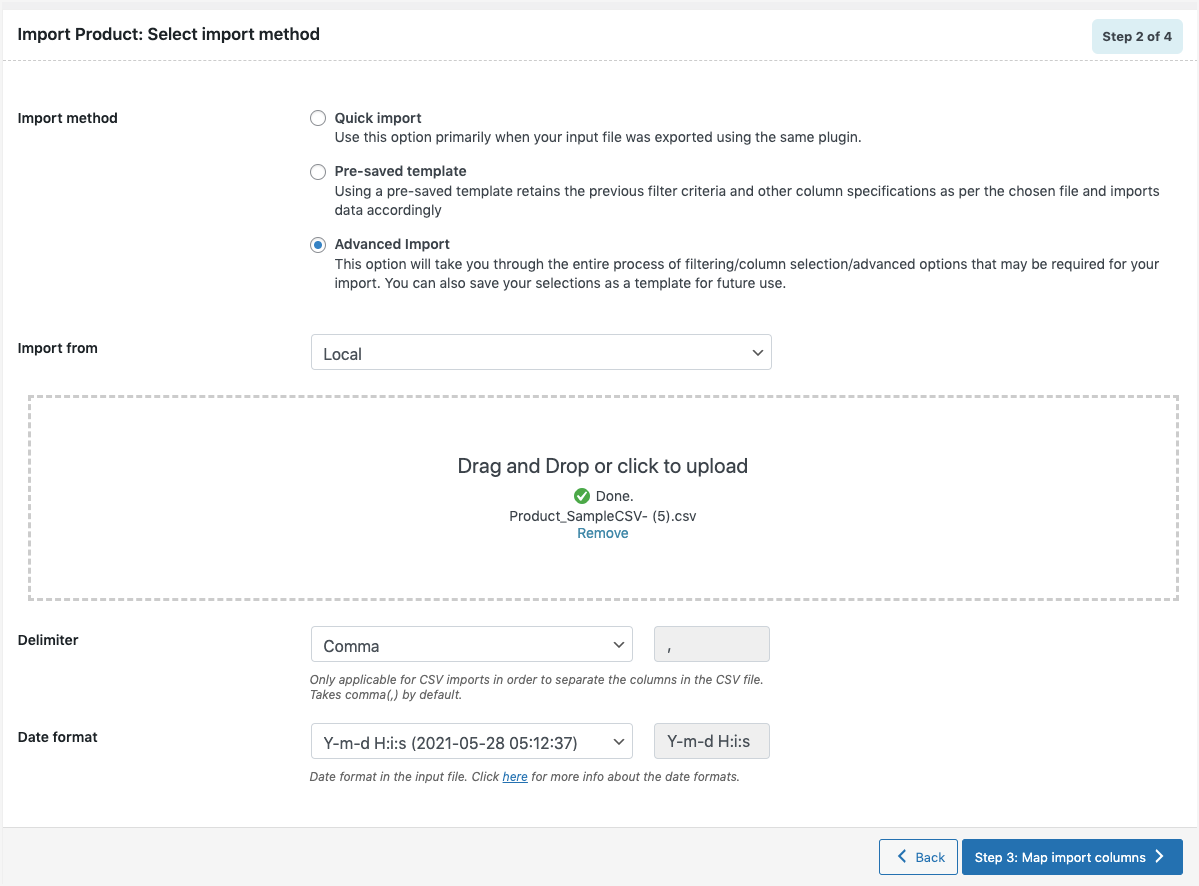
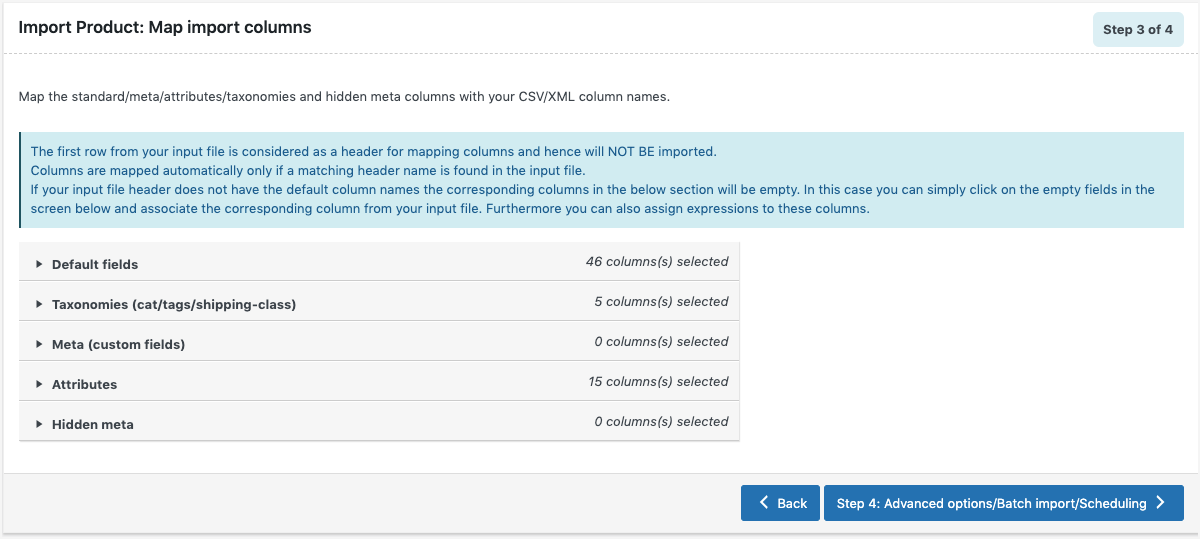
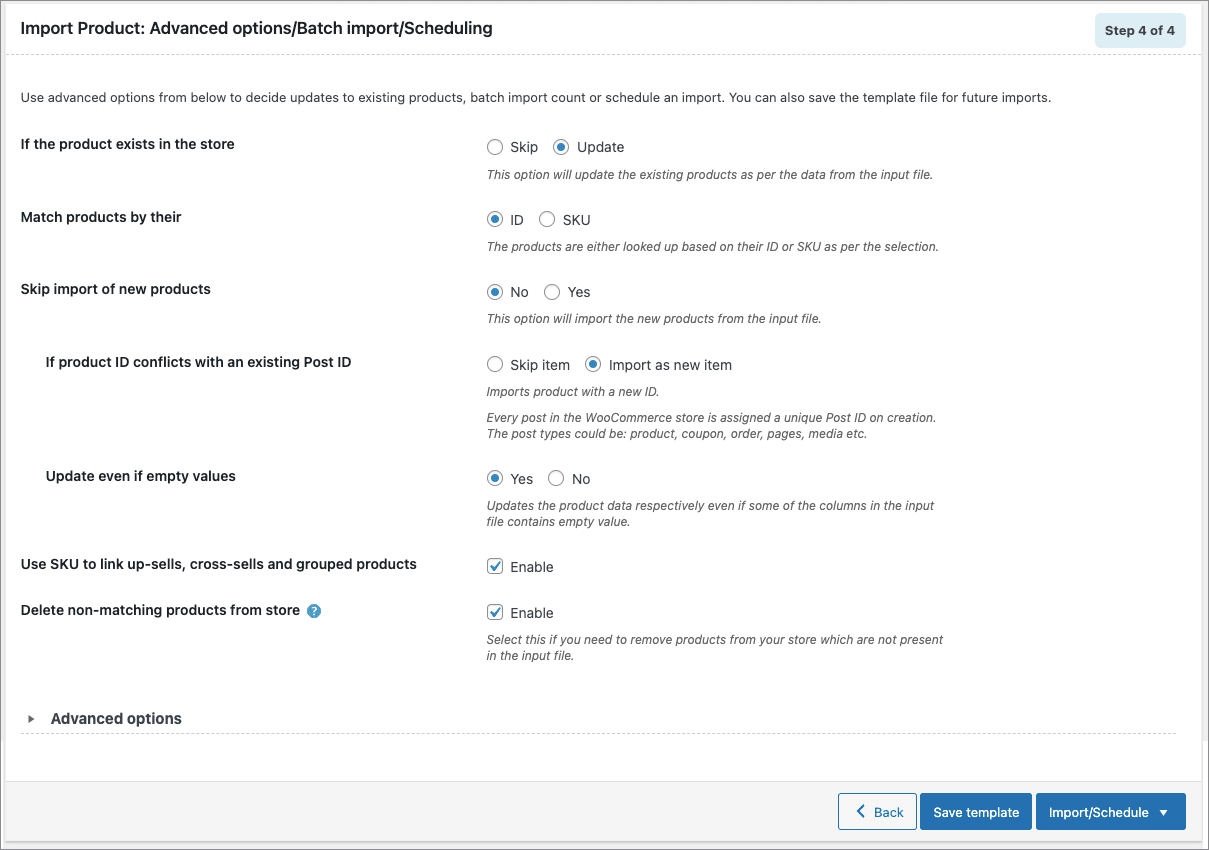
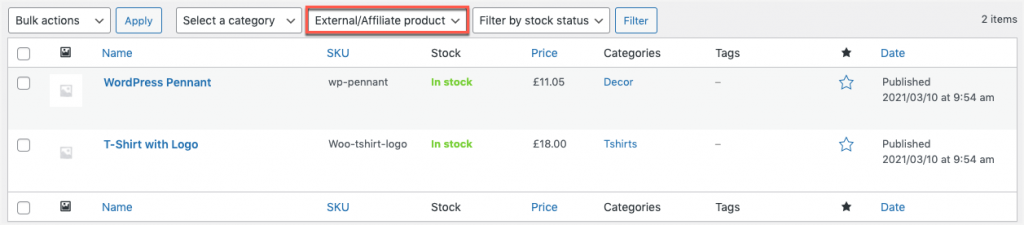
Click on Import to finish. Finally, head on to Products from WordPress dashboard to view the imported external/affiliate products as shown below:
Refer to How to import WooCommerce products for a detailed import procedure.

Gulshan Kumar
February 10, 2020
Product images are not coming …..
Gulshan Kumar
February 10, 2020
We have product images on google drive link,
Alan
February 10, 2020
Hi,
Kindly make sure that the image URL present in the CSV file is valid and points directly to the image file instead of the page where the image is present.
If the issue still persists please reach us via support.
Kenneth Perry
December 5, 2019
I am trying to load items with same sku so that i can use the comparison pricing feature, to show same item from different vendors with different prices. How can I bypass the sku check, so that it will allow duplicate upload of sku?
Stepan Tsivka
August 9, 2019
Hello, How to import XML using URL links from another site?
Alan
August 13, 2019
Hi,
In order to import external products using the XML file, the product type has to be specified as “external” and the external product URL should be provided in the product_url tag of the XML file. Here is a sample external product XML file for your reference.