


You can install the StoreRobo Import Export Suite on Shopify by logging in to the Shopify App Store, searching for StoreRobo Import Export Suite, clicking Install, and approving the required permissions in your Shopify admin panel. Once installed, the app will appear under Apps in your Shopify dashboard.
Step 1:
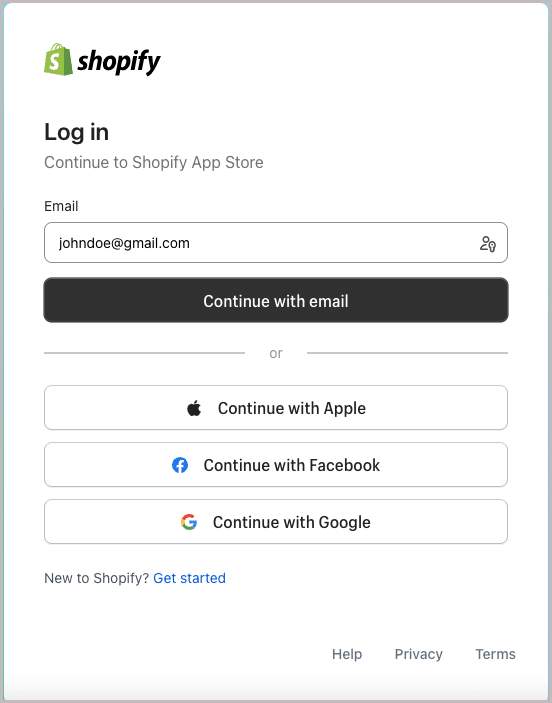
In the login page, fill up the credentials and click on Continue. This will log in you to the Shopify App Store.
Step 2:
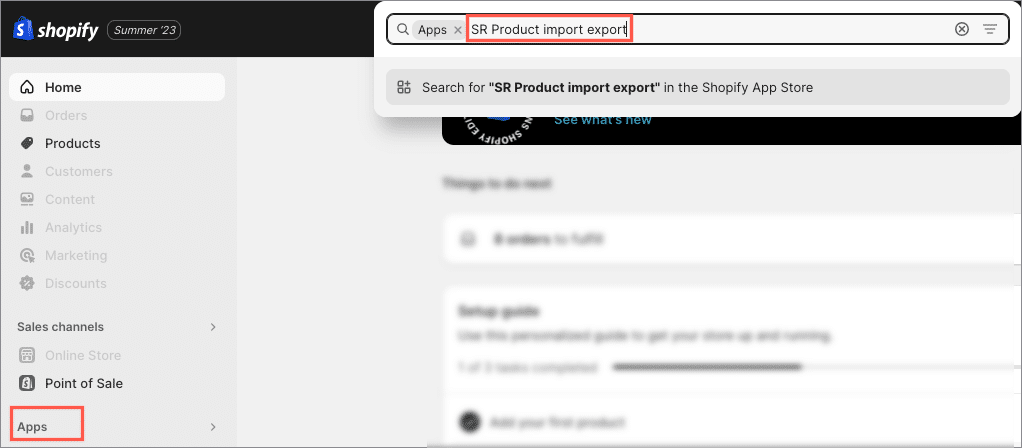
The Shopify admin panel will appear. Navigate to Apps. In the search bar, type StoreRobo Import Export Suite and press Enter.
Step 3:
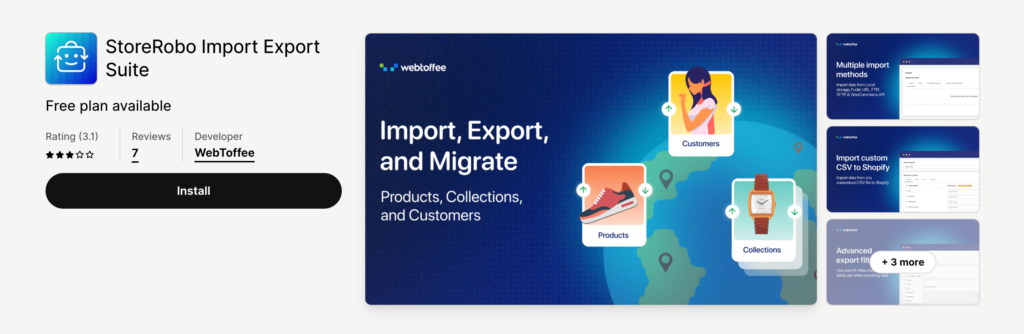
Click on appStoreRobo Import Export Suite. The app page will appear as shown below. Click on the Install button.
Step 4:
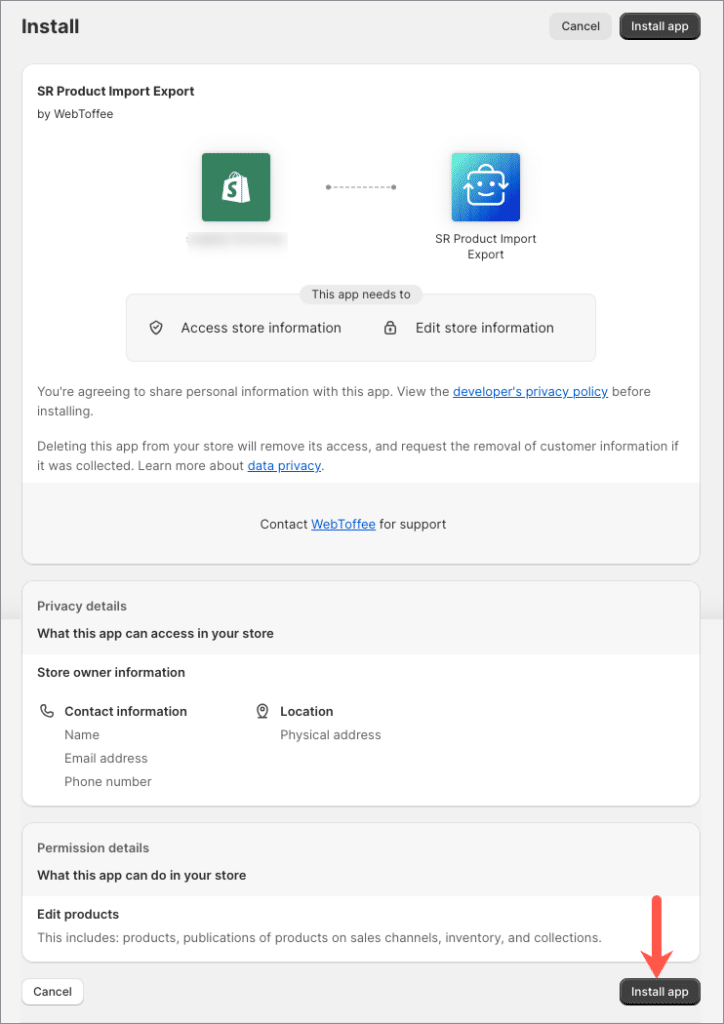
The below shown screen will appear. Go through the details and click on Install app.
Step 5:
On successful installation, the StoreRobo app will be added inside the Apps as shown below.

