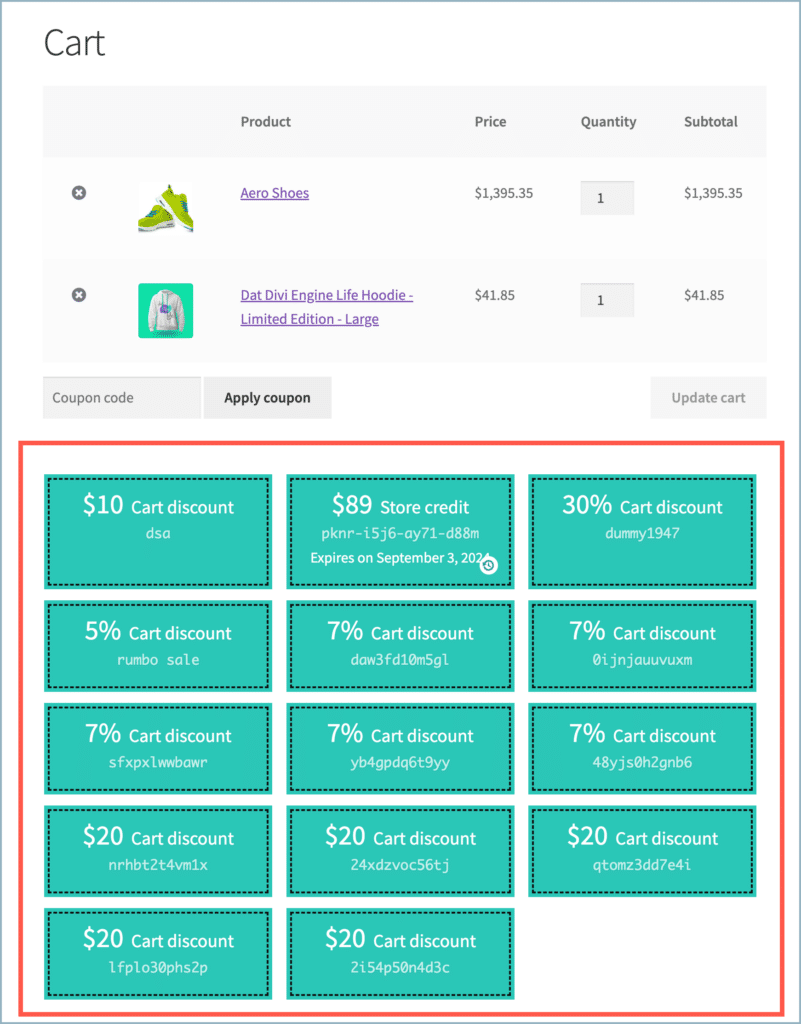
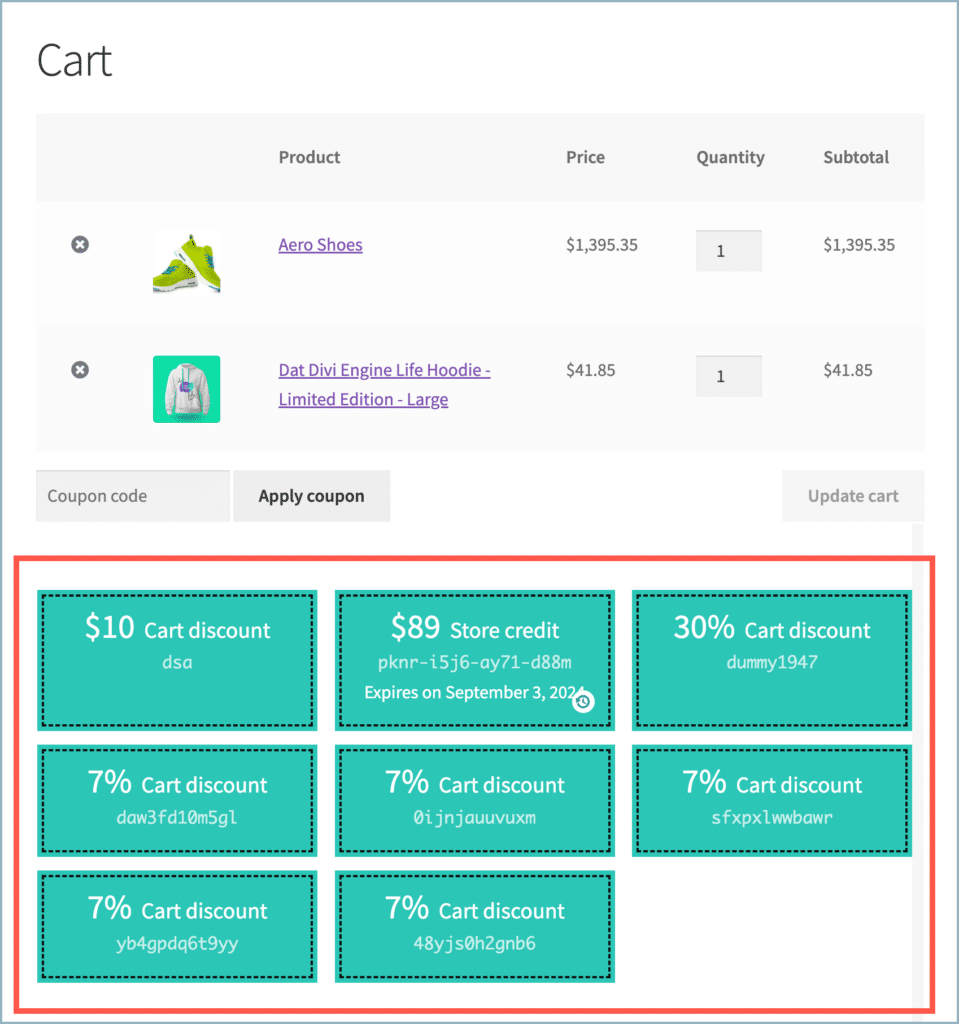
One of the attractive features that can be incorporated into a WooCommerce store by using the Smart Coupons for WooCommerce plugin by WebToffee is the ability to showcase selected coupons seamlessly on your cart or checkout pages. The plugin provides an option to display active cart-eligible coupons on these pages, making them more useful. Follow the instructions below to configure this feature:
- Navigate to plugin General settings.
- Access the General tab.
- Scroll down to the Additional settings section.
- Enable Display coupons only for eligible carts.
- Save settings.
Display only cart-eligible coupons on the cart or checkout pages
To exclusively display coupons eligible for the items currently in the cart on the cart or checkout page:
- Navigate to Smart Coupons > General settings > General.
- Scroll down to the bottom of the page.
- Enable the Display coupons only for eligible carts option.
ⓘ
While the plugin allows the display of selected coupons on the Cart, Checkout, and My Account pages, please note that this feature is limited to the Cart and Checkout pages. The My Account page will still display all the selected coupons.

- Click Save changes.
- Only the coupons relevant to the products in the cart will be visible on the cart or checkout pages.